


Ways to manage student and teacher logins: email accounts, SSO, MFA, and offboarding
A practical guide to student and staff logins in 2026: single sign-on, rostering, multi-factor authentication, passwords by age, and offboarding.
Updated with current data and sources. Originally published August 7, 2020.
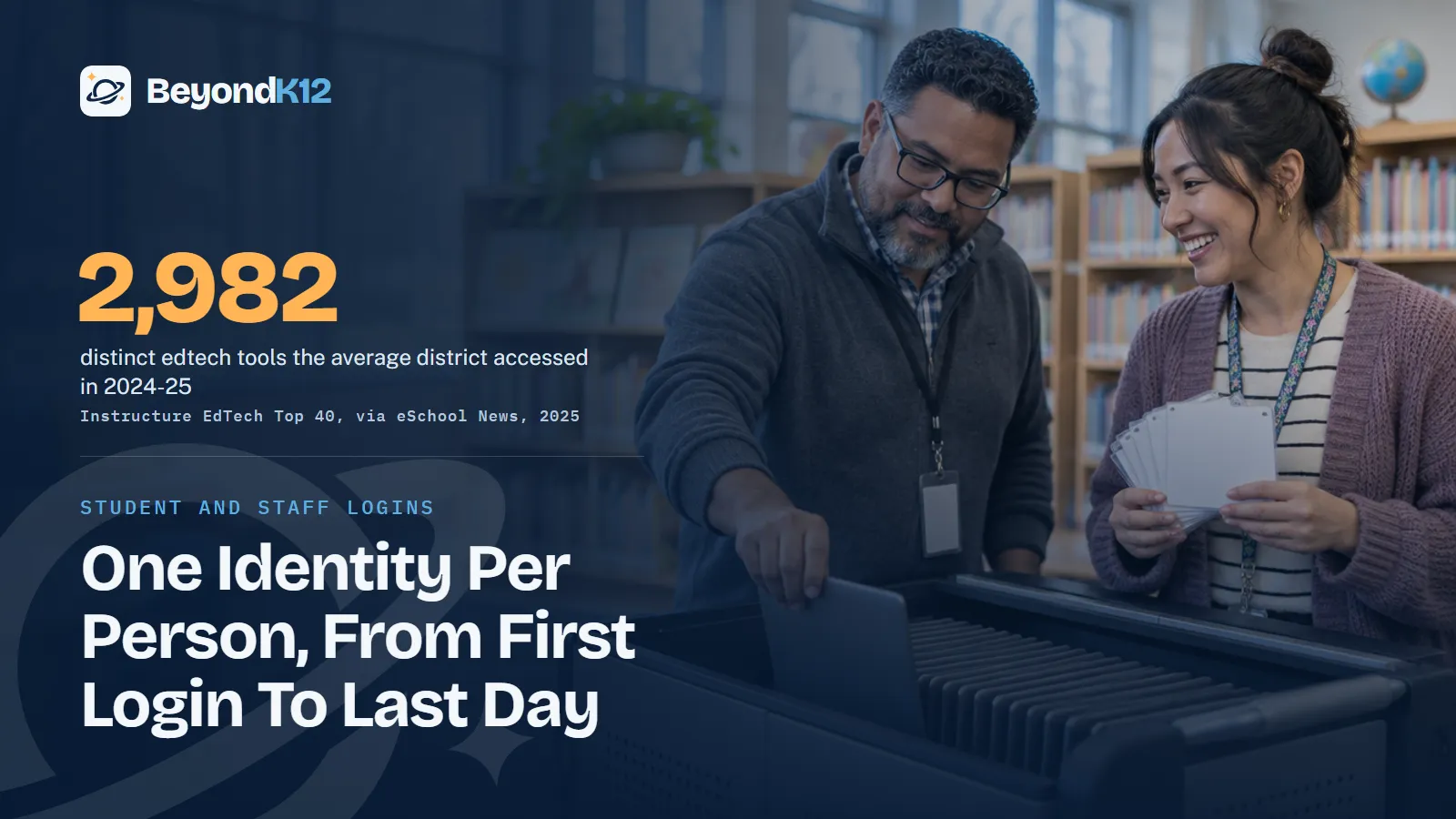
The best way to manage logins is to give every student and staff member one school identity, then connect every approved tool to it through single sign-on and rostering. That replaces shared passwords, paper lists, and "I forgot my login" with accounts the school can create, protect, and turn off.
Hi teachers and school leaders. Most web tools still ask for an account, and that used to mean an email address. For schools using Google, students could already sign in with their Google email. The harder question was always what to do when students did not have one.
- Single sign-on (SSO)
- One school login that opens every connected tool. The person signs in once, the school controls the account, and nobody keeps a separate password for each app.
Why are logins now a leadership issue?
Because the numbers outgrew the workarounds. Districts accessed an average of 2,982 distinct edtech tools in 2024-25, according to Instructure's EdTech Top 40 as reported by eSchool News. Every unmanaged login is a password someone will reuse and an account nobody will close.
2,982
distinct edtech tools accessed by the average district in 2024-25.
Instructure via eSchool News, 2025
48
tools used by the average student in 2024-25.
Instructure via eSchool News, 2025
83%
of schools and districts report having multi-factor authentication.
CIS and MS-ISAC via K-12 Dive, 2026
808
K-12 organizations were notified by MS-ISAC about compromised accounts.
CIS and MS-ISAC via Route Fifty, 2026
Credentials are also what attackers want. In the 2026 report from the Center for Internet Security (CIS) and MS-ISAC, 87% of K-12 leaders named phishing or email compromise among their top incidents, K-12 Dive reported.
K-12 login risk in the 2026 CIS and MS-ISAC report
One login can open a great deal. PowerSchool told TechCrunch that the account attackers used in its 2024 breach was not protected with multi-factor authentication. We cover what that meant for student records in our post on AI ethics and student data. CISA's K-12 Cybersecurity Foundations package lists protecting login credentials among its eight objectives, according to the Maine Department of Education.
Start with one identity and single sign-on
Pick one source of truth for who a person is. For most schools that is the Google Workspace or Microsoft 365 directory, fed by the student information system (SIS). Then put approved tools behind that identity, either directly or through a launchpad such as Clever or ClassLink.
Make it a rule: if a tool cannot use school sign-on, it needs a reason and a named owner. This is also your inventory. A tool that nobody can see in the launchpad is a tool nobody reviewed.
Let rostering create the accounts
Rostering sends class and enrollment data from the SIS to each tool, so nobody types a class list into an app. OneRoster, the 1EdTech standard, exists to exchange roster information, course materials, and grades securely between systems, by file or by real-time connection. Ask every vendor which method they support before you sign.
Three settings do most of the work. Send only the fields the tool needs. Sync on a schedule, so a new student has access on day one. And make sure a withdrawal in the SIS removes access in the tool, because that is what makes offboarding possible.
Require multi-factor authentication, in the right order
The 83% figure from CIS and MS-ISAC is encouraging, but reported does not mean universal, so ask who is still exempt. EdTech Magazine reports that IDEA Public Schools saw a 90% reduction in compromised user accounts after turning on MFA for staff, one network's result and not a national figure.
- Protect the keys first. Administrators, the SIS, finance, payroll, and email for anyone who can reset passwords. Use phishing-resistant MFA here, which the CIS report recommends.
- Cover all staff. Explain why, give written steps, and offer an option for people who will not use a personal phone. Richland One used text codes, and Snoqualmie Valley framed Microsoft Authenticator as the convenient choice, EdTech Magazine reports.
- Reduce the friction on campus. Some districts skip the second step on managed computers inside the building and require it elsewhere. Decide this on purpose, and write it down.
- Add high school students. EdTech Magazine describes starting there, at first only on personal devices, then extending to district devices used remotely.
- Tell families first. A short note on what is changing and why saves your help desk a hard week.
What password policy fits each age?
NIST's current guidance, SP 800-63B-4, reverses the old advice. Passwords used alone must be at least 15 characters. Passwords used only as part of MFA must be at least eight. Systems must not require mixtures of character types or force periodic changes, should allow at least 64 characters, and must check new passwords against a blocklist of common or compromised ones. Those are federal guidelines, and they make a strong baseline. The grade bands below are our recommendation.
| Who | How they sign in | Who holds the credential |
|---|---|---|
| PK to grade 2 | QR badge through SSO, such as a Clever Badge or ClassLink QuickCard | Teacher keeps badges, treats them like passwords, and voids lost ones |
| Grades 3 to 5 | Simple passphrase, or a badge during the move to typing | Student learns it; teacher can reset it |
| Grades 6 to 8 | A passphrase of 15 characters or more, built from unrelated words | Student owns it and never shares it |
| Grades 9 to 12 | A 15-character passphrase, plus MFA as you roll it out | Student owns it; school can reset it |
| All staff | Long passphrase plus required MFA, with a password manager if the school provides one | The person; never shared, even with a substitute |
| Administrators and finance | Phishing-resistant MFA on separate admin accounts | The person, with a logged recovery process |
San Francisco Unified offers Clever Badges to K-3 students on its Chromebooks. Whatever the tool, young children still need practice. Teaching a third grader what a password is and why it stays private is digital citizenship, not an IT chore.
Every account a school creates is a promise that someone will close it.Ernie Delgado, BeyondK12
What should we do when students have no email account?
Do not fall back on a shared login. Shared accounts mix students' work and leave no record of who did what. A rostered account, a class code tied to school sign-on, or a QR badge gives each child a separate identity with no mailbox.
Make the consent decision at the school level, too. The FTC's COPPA guidance says schools can act for parents of children under 13 only when information is collected for the use and benefit of the school, and for no other commercial purpose. It recommends that the school or district make the decision rather than delegating it to the teacher. Schools should also ask whether the operator lets them review and delete student data. If a tool cannot meet that test, a parent-created account does not fix the problem. It only moves it.
Close accounts on a schedule: staff and student offboarding
Offboarding is where good systems fail. Graduates, departing staff, and long-term substitutes keep access for months because nobody owns the last step.
Do not rely on a vendor to clean up for you. Google's education policy says it may delete an inactive account after at least two years, and it tells admins to review licenses a few times a year. An Archived User license keeps data while blocking sign-in, according to Google, as long as your Vault retention rules stay current.
Where to start this week
Run one report: every active account in your directory, compared to today's roster. The difference is your first to-do list, and it usually gets a leadership team's attention. Then pick the five tools with the most student data and confirm they use single sign-on.
Logins are a staff habit as much as a system, so build them into your next professional development day. If your school is also adding AI tools, each one is another account to manage. The free AI Readiness Assessment scores your Guardrails along with Policy, People, Curriculum, and Funding in five minutes.
Related reading: The role of AI ethics and human judgment in protecting student data in schools and Digital citizenship in education: building responsible online behavior school-wide.
Questions school leaders ask
Do students need an email address to use web tools?
Not always. Rostered accounts and single sign-on can give a student a login with no mailbox, and younger students can sign in with a QR badge. What every student needs is one school-managed identity, so the school, not a teacher or parent, controls access.
Can a teacher sign students up for a web tool?
The decision should sit with the school or district. The FTC's COPPA guidance recommends that a school make the decision rather than delegating it to the teacher, and says a school can consent for under-13 students only when data is used for the school's benefit and no other commercial purpose.
Should students use multi-factor authentication?
Staff first, then older students. EdTech Magazine's 2026 reporting describes starting with high school students, at first only on personal devices, and using age-appropriate options such as QR codes for younger children. Weigh the support load before you require it for young students.
How often should we make people change passwords?
Only when there is evidence of compromise. NIST's guidance says verifiers shall not require periodic changes and must force a change when an account shows evidence of compromise. Scheduled resets push people toward weak, predictable passwords.
What happens to a student's Google account after graduation?
That is your decision, so write it down. Google lets schools allow students to copy Drive, Gmail, and Photos content to a personal Google Account. After that, you can archive, keep, or delete the account, and Google's policy says it may delete an account after at least two years of inactivity.
Sources
- eSchool News, Districts more selective about edtech tools (Instructure EdTech Top 40, July 2025) (opens in a new tab) (checked 2026-11-05)
- K-12 Dive, Cybersecurity incidents hit over 50% of schools and districts in past year (October 2026) (opens in a new tab) (checked 2026-11-05)
- Route Fifty, More than half of schools suffered a cyber incident in the past year (November 2026) (opens in a new tab) (checked 2026-11-05)
- EdTech Magazine, Multifactor authentication keeps cybercriminals out of K-12 networks (January 2026) (opens in a new tab) (checked 2026-11-05)
- NIST, SP 800-63B-4 Digital Identity Guidelines: Authentication and Authenticator Management (2025) (opens in a new tab) (checked 2026-11-05)
- Federal Trade Commission, Complying with COPPA: frequently asked questions (opens in a new tab) (checked 2026-11-05)
- 1EdTech, OneRoster standard (opens in a new tab) (checked 2026-11-05)
- San Francisco Unified School District, Clever Badges for K-3 students (January 2025) (opens in a new tab) (checked 2026-11-05)
- Google Workspace Admin Help, Let graduating students transfer data (opens in a new tab) (checked 2026-11-05)
- Google Workspace Admin Help, Google Workspace for Education inactive account policy (October 2026) (opens in a new tab) (checked 2026-11-05)
- TechCrunch, PowerSchool begins notifying students and teachers after massive data breach (January 2025) (opens in a new tab) (checked 2026-11-05)
- Maine Department of Education, New cybersecurity resources for schools and districts (CISA K-12 Cybersecurity Foundations, August 2026) (opens in a new tab) (checked 2026-11-05)

See where your school stands on AI, in five minutes
Eight questions. A score out of 24 across Policy, People, Curriculum, Guardrails, and Funding, with the three fixes that move it most. The report is yours whether or not you ever call us.