


7 technology hacks to help students manage homework better
Seven homework hacks for students and families with tools that still exist in 2026, plus a plain five-step way to use AI on homework honestly.
Updated with current data and sources. Originally published February 16, 2021.
The best technology hacks for homework are small habits: one reminder system, one place to find assignments, and one place to keep the work. Seven of them still work in 2026 once you swap out the tools that changed, and one new question now sits on top of them all: how to use AI honestly.
As a former middle school educator, it was always a struggle for me to get my students to complete their homework and turn it in. I heard every excuse: I forgot to do it, I lost it, I left it at home. The root of the issue, I believe, was that they were not inspired and they were too busy juggling classes, sports, and their social lives. It is hard enough for me to keep track of everything without sticky notes and reminders on my phone.
Why does homework still need a system in 2026?
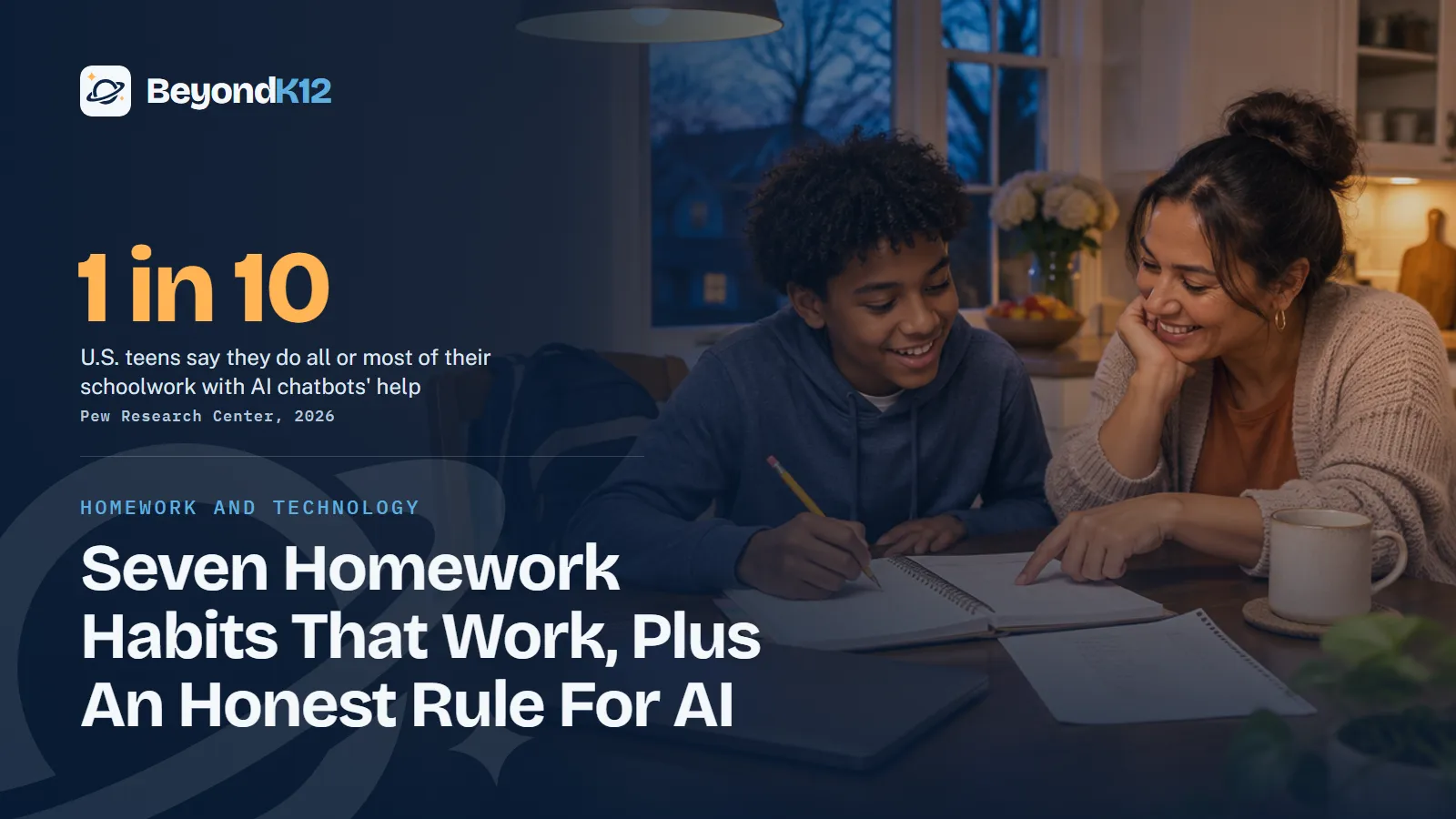
Because the tools got smarter and the shortcuts got easier. In Pew Research Center's 2026 survey of U.S. teens ages 13 to 17, 54% had used AI chatbots to get help with schoolwork, and one in ten said they do all or most of their schoolwork with that help.
How much schoolwork U.S. teens do with AI chatbots' help
59%
of U.S. teens think using AI to cheat is a regular occurrence at their school.
Pew Research Center, 2026
40 states
at least, plus the District of Columbia, require districts to ban or restrict student cellphone use in schools.
Education Week, October 2026
A student with no system has nothing to fall back on at 10 p.m. except a shortcut. Organization and honesty turn out to be the same project.
Seven technology hacks that make homework easier
These are my top seven, updated for today. They might make your life easier as an educator, too.
1. Set reminders by time and by place
Apple's Reminders app can alert you on a date or when you arrive somewhere, which is my favorite trick: "When I get home, grab my book." Google Keep sends timed reminders that also appear in Google Tasks and Google Calendar. In Google Classroom, items with due dates show up on the Classroom calendar and in Google Calendar, so students can check one calendar instead of six classes. Where phones are put away during the day, use the calendar on the school device and save phone alerts for home.
2. Put a QR code on every handout
A QR code connects paper to the syllabus, newsletter, or assignment online. Students no longer need a separate reader, because an iPhone camera scans codes on its own, and QR Stuff is still around for making them. Post the same link on your class page, and "I forgot where to find it" is gone. Teach one safety habit too: the Federal Trade Commission warns that harmful links hide in QR codes, so scan only codes you expect and look at the web address before you open it.
3. Keep all of it in the cloud
I still recommend Google, now called Google Workspace for Education, and Microsoft OneDrive and Apple iCloud do the same basic job. Pick what matches your devices. Work is available anywhere and searchable by keyword, so nobody has to remember where a solar system assignment went. Google Docs also keeps earlier versions of a file, which turns out to matter for honest AI use.
4. Build a student portfolio
Seesaw remains the most portfolio-like tool, but for new work its free Starter plan changed on June 30, 2026, to one active class, up to 35 students, and one teacher per class, according to Seesaw. Google Sites gives older students a simple option. I love portfolios because knowing that their work will be shared pushes students to put forth more effort.
5. Keep one notebook for everything
I fell in love with Evernote years ago, but its free plan now allows 50 notes, one notebook, and sync on one device, according to Evernote. That will not carry a student through the year. OneNote is the better free home for a full school year, and teachers can set up Class Notebooks with a free Microsoft 365 account, according to Microsoft. Google Keep works well for quick lists.
6. Organize a class on Padlet
Think of Padlet as a digital bulletin board. Teachers can post daily reminders and homework where students and parents can always reach them, and students can brainstorm together. The free plan allows three padlets with a 20MB upload limit, according to Padlet, so reuse one board per class.
7. Take handwritten notes on a tablet
Many students prefer writing over typing, especially on a mobile device. Notability still lets them write and sketch with a stylus or a finger, and it now offers Apple, Android, and web versions. Its free Starter plan includes five starter notes, and Ginger Labs also sells a Lite subscription and a one-time Classic purchase. Check the current plans before you recommend it to a family.
| The habit | Good tools now | Check before you commit |
|---|---|---|
| Reminders | Apple Reminders, Google Keep, Google Calendar | Your school's phone rule |
| QR codes | Phone camera, QR Stuff | Scan only codes you expect |
| Cloud storage | Google Workspace, OneDrive, iCloud | Which accounts your school provides |
| Portfolios | Seesaw, Google Sites | Seesaw's new Starter limits; Weebly is closing in 67 countries, though the U.S. is not one of them |
| One notebook | OneNote, Google Keep | Evernote's free limit of 50 notes |
| Class board | Padlet | Three free padlets |
| Handwritten notes | Notability | Five starter notes on the free plan |
How should students use AI on homework honestly?
AI is a tutor when it helps a student think and a ghostwriter when it does the thinking. These five steps keep it on the right side of that line.
- Check the rule first. Ask what this teacher allows on this assignment. Then check the tool's age rule: OpenAI says ChatGPT is not meant for children under 13, and ages 13 to 18 need parental consent.
- Try it yourself first. Write the first attempt, even a bad one. Now you know what you actually do not understand.
- Ask for guidance, not answers. OpenAI's study mode offers step by step guidance instead of quick answers, and Gemini's Guided Learning breaks problems into steps. Good prompts: "Quiz me," "Where is my reasoning wrong?" and "Explain this another way."
- Verify what it tells you. AI can be confidently wrong. Check facts against your textbook, your notes, or a source your teacher trusts.
- Disclose it and be ready to explain. Say which tool helped and how. If you cannot explain the work out loud, it is not finished yet.
If a student cannot explain the homework without the tool, the tool did the homework.Ernie Delgado, BeyondK12
That last step is the one we build on at BeyondK12. In our TechPlus AI curriculum, every project ends with the student explaining their work. Teachers can borrow the idea tomorrow: pick two students a week and ask them to walk you through their homework. Version history in Google Docs helps here too, since it shows how a draft grew.
What can families and teachers do tonight?
Where to start this week
Pick one hack, not seven. Most students should start with the single calendar, because a due date you can see is a due date you can plan for. Then have the AI conversation before a deadline makes it urgent.
School leaders can make all of this easier by putting the rule in writing. If you are not sure where your school stands, the free AI Readiness Assessment takes five minutes and scores you across Policy, People, Curriculum, Guardrails, and Funding.
Related reading: Building a whole-school culture of responsible AI use and human decision making and Digital citizenship in education: building responsible online behavior school-wide.
Questions school leaders ask
What is the best free app for keeping track of homework?
Start with what is already on the student's device. Google Classroom puts items with due dates on the Classroom calendar and in Google Calendar, and Apple Reminders and Google Keep handle personal reminders. A separate homework app is rarely needed if every due date lands in one calendar.
Is Evernote still good for students?
It still exists, but the free plan is limited to 50 notes, one notebook, and sync on one device, according to Evernote's plan page. For a full school year across several classes, OneNote or Google Keep is usually a better free choice.
Can students use ChatGPT for homework?
Only where the teacher allows it and within the tool's age rules. OpenAI says ChatGPT is not meant for children under 13 and that ages 13 to 18 need parental consent. Used honestly, it explains and quizzes. The student still does the work and discloses the help.
How can a teacher tell whether a student understands work done with AI?
Ask the student to explain it out loud: what they made, how, which tools helped, and what they would change. Version history in Google Docs also shows how a draft grew over time. A conversation is fairer than an accusation.
Do these hacks work if phones are banned at school?
Yes, with one change. Education Week counts at least 40 states and the District of Columbia requiring districts to ban or restrict student phones, so put due dates in a calendar that also opens on the school device, and use phone reminders for after school.
Sources
- Pew Research Center, How teens use and view AI (February 2026) (opens in a new tab) (checked 2026-11-05)
- Education Week, Which states ban or restrict cellphones in schools? (updated October 2026) (opens in a new tab) (checked 2026-11-05)
- Google for Education Help, View due dates and events in a calendar (opens in a new tab) (checked 2026-11-05)
- Apple Support, Set location-based reminders on iPhone (opens in a new tab) (checked 2026-11-05)
- Google Keep Help, Set up reminders for your notes (opens in a new tab) (checked 2026-11-05)
- Apple Support, Scan a QR code with your iPhone camera (opens in a new tab) (checked 2026-11-05)
- Federal Trade Commission, Scammers hide harmful links in QR codes to steal your information (December 2023) (opens in a new tab) (checked 2026-11-05)
- Google Docs Editors Help, Find what's changed in a file (opens in a new tab) (checked 2026-11-05)
- Seesaw, Starter plan changes (June 2026) (opens in a new tab) (checked 2026-11-05)
- Network Solutions, Weebly website discontinuation: important dates and migration options (2026) (opens in a new tab) (checked 2026-11-05)
- Evernote, Compare plans (opens in a new tab) (checked 2026-11-05)
- Microsoft Support, Using OneNote Class Notebooks with a free Microsoft 365 account (opens in a new tab) (checked 2026-11-05)
- Padlet Help, Is Padlet free? (opens in a new tab) (checked 2026-11-05)
- Ginger Labs, Notability subscription FAQ (opens in a new tab) (checked 2026-11-05)
- OpenAI, Introducing study mode (July 2025) (opens in a new tab) (checked 2026-11-05)
- TechCrunch, Google takes on ChatGPT's Study Mode with new Guided Learning tool in Gemini (August 2025) (opens in a new tab) (checked 2026-11-05)
- OpenAI Help Center, Is ChatGPT safe for all ages? (opens in a new tab) (checked 2026-11-05)

See where your school stands on AI, in five minutes
Eight questions. A score out of 24 across Policy, People, Curriculum, Guardrails, and Funding, with the three fixes that move it most. The report is yours whether or not you ever call us.