


Top 5 free educational apps for schools in 2026, and the privacy check to run first
The top 5 free educational apps for schools in 2026, each opened and checked on November 5, 2026, plus the privacy check to run before students log in.
Updated with current data and sources. Originally published September 1, 2016.
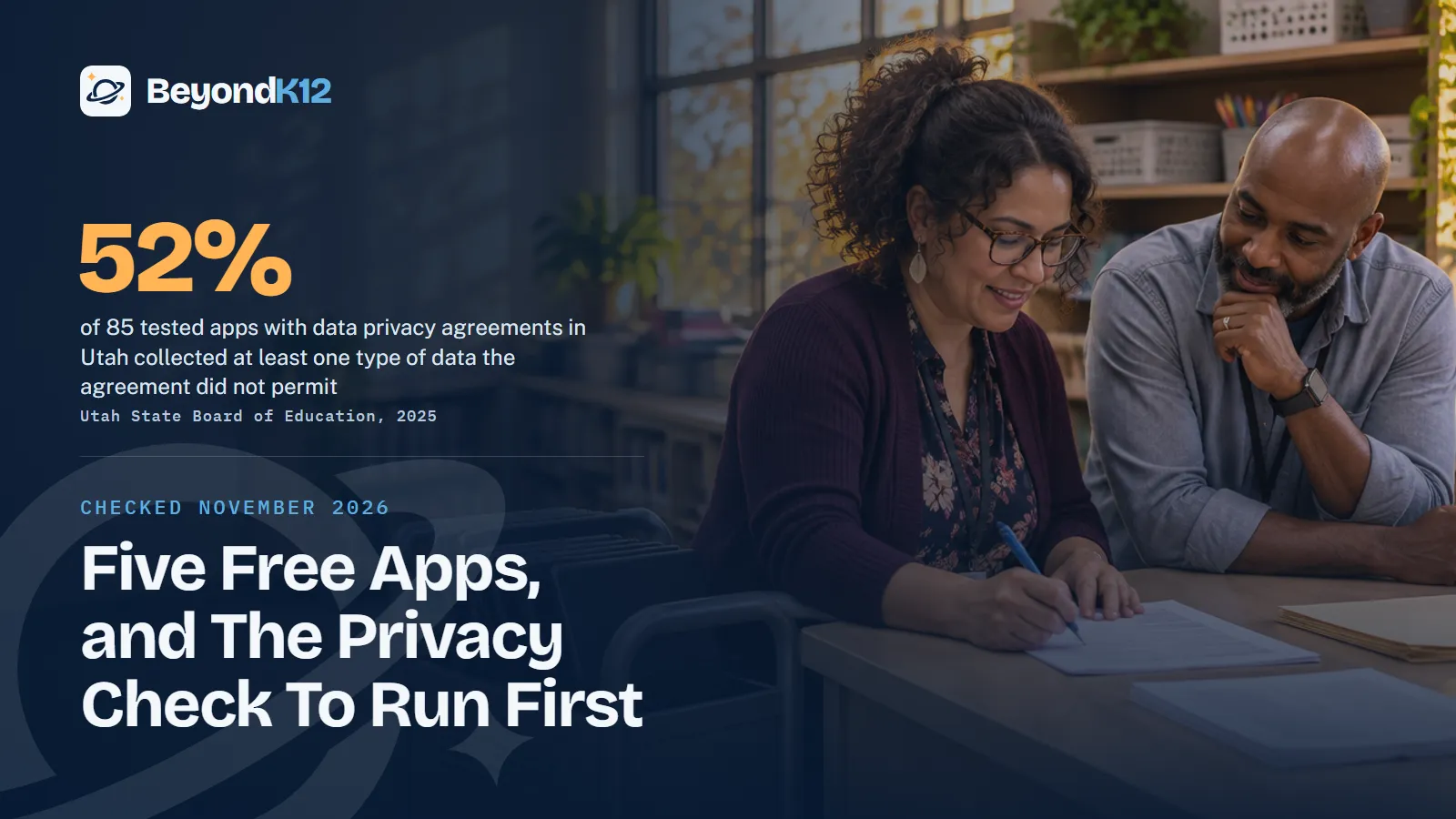
The top 5 free educational apps for schools in 2026 are Khan Academy, Scratch, Desmos, PhET, and Canva for Education. We opened each app's own site on November 5, 2026, and each one still exists and still says it is free.
How do you motivate unmotivated students? It is still the million dollar question. We can fill a room with interactive boards, tablets, laptops, and fast wifi, and some students will not be fazed by any of it. So often we say, "Use technology, it motivates students!" But not all students.
Look deeper at that student at recess, in physical education, or after school. If the energy is there, the passion has not been tapped yet. Ask questions, take an interest, watch what makes them tick, and then pick the tool.
How was this list checked?
A top 5 list is only useful if it says how it was built. On November 5, 2026, we opened each app's own site and applied four tests.
- It still exists. The site loads and the product is current.
- It is still free. The app's own pages say so, and the table below gives the terms.
- It was built for learning. A teacher should not have to bend a consumer app to fit a lesson.
- It publishes its data rules. A leader can read a privacy policy that covers students or children.
We did not test what any app sends over the network. Treat this list as a starting point, not an approval.
What are the top 5 free educational apps for schools?
| App | Use it for | What its site says about cost | What to know about student data |
|---|---|---|---|
| Khan Academy | Lessons and practice across K-12 | "A free tool for anyone." Khan Academy Kids needs no paid plan in a classroom. | A nonprofit. It says it does not sell personal information or display third-party ads. |
| Scratch | Coding, animation, and stories | "Free for everyone." | Teacher-created student accounts need no student email. A class cannot be private. |
| Desmos | Graphing, geometry, and calculators | A "free suite of math tools." Desmos Professional and the API are paid. | Many of its services work without an account. |
| PhET | Science and math simulations | "Fun, free, interactive" simulations. | Student resources need no login, and student accounts are not supported. |
| Canva for Education | Design, posters, and presentations | "100% free" for K-12 educators, their students, and qualified districts. | It says it has signed the National Data Privacy Agreement. |
1. Khan Academy
This one suits the student who needs to see progress. Khan Academy says it offers 840+ free courses, and Khan Academy Kids is a free app for ages 2 to 8. The site also lists a separate Khan Academy Districts offering, so ask what it adds before anyone signs.
2. Scratch
This one suits the student who would rather build than fill in a worksheet. The Scratch team says it is "not in a position to offer contractual guarantees" to each entity that uses its free product. If your school requires a signed agreement, look at the offline Scratch app: its privacy policy says projects made there are not accessible by Scratch.
3. Desmos
This one suits the student who understands math by seeing it move. Desmos Studio is a public benefit corporation, and it says its free math tools are used annually by over 75 million people. Classroom lessons now live in Amplify Classroom, formerly Desmos Classroom, which calls itself a free instructional platform for literacy, math, and science.
4. PhET
This one suits the student who needs to try something, not hear about it. PhET's privacy policy says no personally identifiable information is collected from users who do not sign in, and that simulations do not collect personal data. The site does use Google Analytics for non-personal usage data, so read the policy.
5. Canva for Education
This one suits the student who wants the work to look real. Canva says the education version will remain 100% free for K-12 educators and their students, and it says it never uses student data to train AI models. Those are vendor statements, so confirm them in your agreement.
Why does a free app still need a privacy check?
Because a promise and an app's behavior are two different things. The Utah State Board of Education worked with Brigham Young University and Internet Safety Labs to examine network traffic from 100 edtech apps between 2023 and 2025. Of 85 tested apps with standard data privacy agreements, 44, or 52%, collected at least one type of data their agreement did not permit, according to GovTech's report on the investigation.
What Utah found when it tested school apps
Read those numbers carefully. The report noted that sharing with third parties is not necessarily improper, and it did not decide whether any finding broke state or federal law. Researchers said some mismatches may have come from incorrectly completed agreements or from app changes after signing. The lesson is narrower and still useful: a signed agreement starts the check. It does not finish it.
2,982
distinct edtech tools accessed, on average, by districts in the 2024-25 school year.
Instructure EdTech Top 40, 2025
233,924
active data privacy agreements uploaded to the consortium's registry, a good first place to search.
Student Data Privacy Consortium, checked November 2026
Free is a price tag, not a privacy policy.Ernie Delgado, BeyondK12
What privacy check should a school run first?
Run these six steps before students log in, even for an app on this list.
- Look for a signed agreement. Search the Student Data Privacy Consortium's Resource Registry for an existing agreement, and ask whether the vendor will sign the National Data Privacy Agreement. If it will not, use a no-account mode or choose another tool.
- Check the age rule. COPPA protects children under 13. The FTC says a school may consent for parents only when the data is collected for the use and benefit of the school and for no other commercial purpose. The FTC's amended rule took effect June 23, 2025, and most of it required compliance by April 22, 2026.
- Ask the FTC's questions. What personal information is collected? How is it used? Is it used or shared for commercial purposes unrelated to the service? Can the school review and delete it? How is it protected? How long is it kept?
- Choose the smallest footprint. Use PhET's simulations, Desmos tools that need no account, and the offline Scratch app where they do the job. When accounts are necessary, use usernames that do not reveal a student's identity.
- Check what students can publish. Scratch says all content shared within a class is accessible to its community. Decide what is acceptable before the first login, not after.
- Keep an approved list and recheck it. Name one person who owns the list, and review it every year. Apps can change after a contract is signed.
Where to start this week
Find out what tech your students use outside of your class, and ask them for ideas. Pick the one app from this list that fits what you learn. Run the six steps, then try it in one class.
The tool matters less than what students make with it. In our TechPlus AI curriculum, every project ends with the student explaining their work, because that is where a passion shows up.
Vetting apps is one part of a larger question: does your school have guardrails it can defend? The free AI Readiness Assessment asks eight questions and scores you out of 24 across Policy, People, Curriculum, Guardrails, and Funding.
Related reading: The role of AI ethics and human judgment in protecting student data in schools and Digital citizenship in education: building responsible online behavior school-wide.
Questions school leaders ask
What are the best free educational apps for schools in 2026?
Our top 5 are Khan Academy, Scratch, Desmos, PhET, and Canva for Education. Each one's own site said it was free when we opened it on November 5, 2026. Each also publishes rules on student or children's data.
How was this list checked?
On November 5, 2026, we opened each app's own site and confirmed that it still exists, that it still says it is free, that it was built for learning, and that it publishes a privacy policy covering students or children. We did not test what any app sends over the network, so your school should still run its own privacy check.
Is a free app safe for students?
Not automatically. In Utah's 2023-25 investigation, 52% of 85 tested apps with standard data privacy agreements collected at least one type of data their agreement did not permit. The report did not decide whether any finding broke the law, but it shows why a school should check before students log in.
Can a school consent to an app for students under 13?
Sometimes. The FTC says a school may act as the parent's agent and consent under COPPA, but only when the operator collects the information for the use and benefit of the school and for no other commercial purpose. If the operator uses the data for its own commercial purposes, it needs parental consent.
Why are Snapchat, Instagram, and Facebook not on this list?
They are consumer social apps, not school tools. Snapchat's terms set a minimum age of 13, and in CoSN's 2026 survey 77% of districts said they ban social media access on school-issued devices. Ask students what they use outside school, then find a school-safe tool that meets the same need.
Sources
- GovTech, What happened when Utah put ed-tech privacy promises to the test (September 2026) (opens in a new tab) (checked 2026-11-05)
- Malwarebytes, popular school apps may be sharing student data with advertisers (August 2026) (opens in a new tab) (checked 2026-11-05)
- Report on Instructure's EdTech Top 40 for 2024-25 (2025, reposted by ClassLink) (opens in a new tab) (checked 2026-11-05)
- Federal Trade Commission, Complying with COPPA: frequently asked questions (opens in a new tab) (checked 2026-11-05)
- Federal Register, Children's Online Privacy Protection Rule, final amendments (April 22, 2025) (opens in a new tab) (checked 2026-11-05)
- Student Data Privacy Consortium, data privacy agreements and Resource Registry (opens in a new tab) (checked 2026-11-05)
- Pew Research Center, Teens, social media and AI chatbots 2025 (December 2025) (opens in a new tab) (checked 2026-11-05)
- K-12 Dive, most districts now have 1:1 device programs, on CoSN's 2026 State of Ed Tech report (2026) (opens in a new tab) (checked 2026-11-05)
- Snap Inc., Terms of Service (effective September 21, 2026) (opens in a new tab) (checked 2026-11-05)
- Khan Academy, about (opens in a new tab) (checked 2026-11-05)
- Khan Academy, privacy policy (opens in a new tab) (checked 2026-11-05)
- Khan Academy Kids (opens in a new tab) (checked 2026-11-05)
- Scratch Foundation, home (opens in a new tab) (checked 2026-11-05)
- Scratch, Teacher Account FAQ (opens in a new tab) (checked 2026-11-05)
- Scratch, privacy policy (March 2026) (opens in a new tab) (checked 2026-11-05)
- Desmos Studio, about (opens in a new tab) (checked 2026-11-05)
- Desmos Studio, privacy policy (opens in a new tab) (checked 2026-11-05)
- Amplify Classroom, formerly Desmos Classroom (opens in a new tab) (checked 2026-11-05)
- PhET Interactive Simulations, about (opens in a new tab) (checked 2026-11-05)
- PhET Interactive Simulations, privacy policy (opens in a new tab) (checked 2026-11-05)
- Canva for Education (opens in a new tab) (checked 2026-11-05)

See where your school stands on AI, in five minutes
Eight questions. A score out of 24 across Policy, People, Curriculum, Guardrails, and Funding, with the three fixes that move it most. The report is yours whether or not you ever call us.