


6 popular classroom blogging ideas, with student privacy rules for publishing work
Six classroom blogging ideas for 2026, the platforms we confirmed still exist, and the student privacy rules to set before anything is published.
Updated with current data and sources. Originally published August 23, 2016.
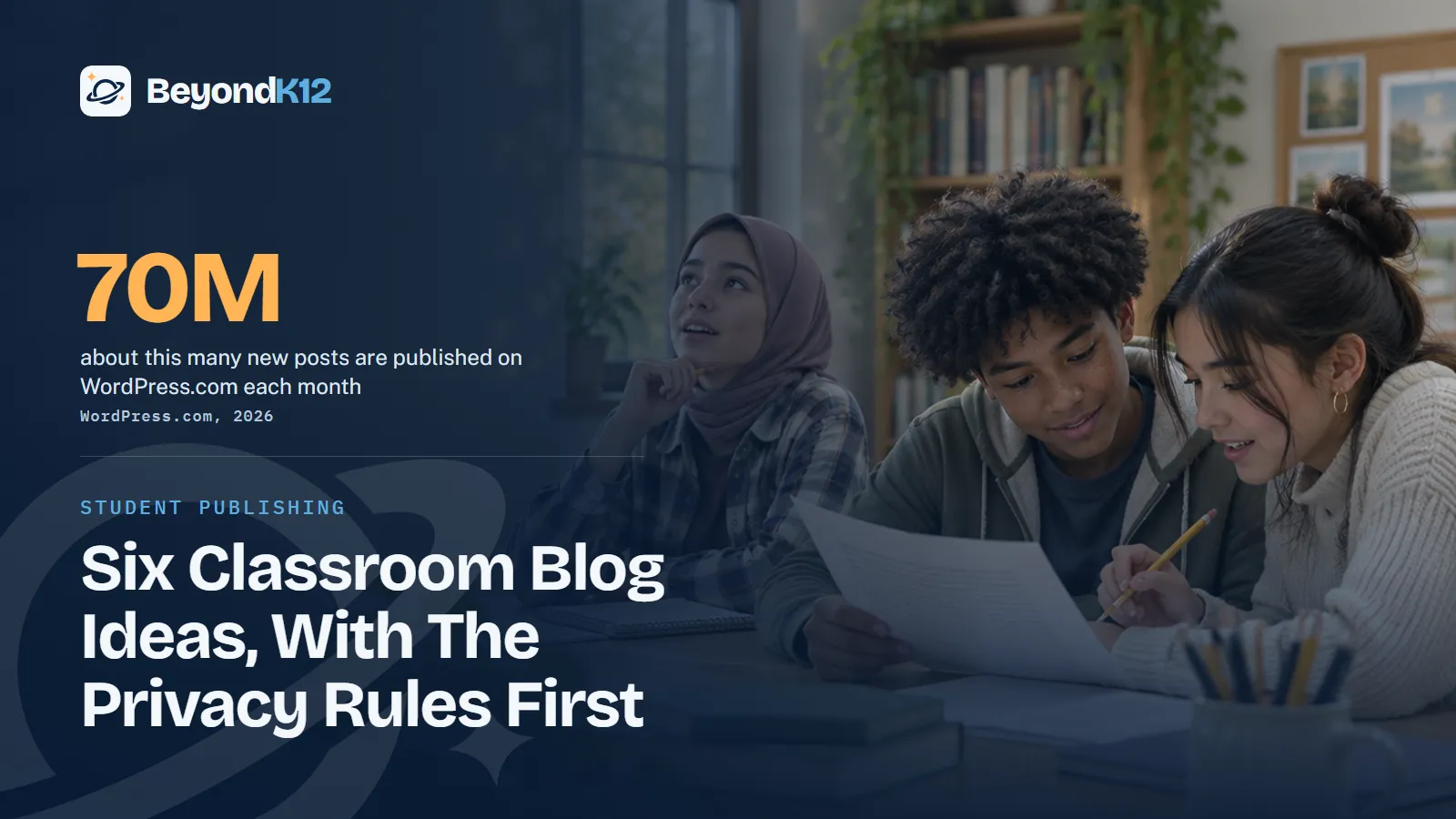
Six popular classroom blogging ideas still work in 2026: a journey journal, shared recipes, tips and tricks, a reputation for good work, a student business, and connections beyond the classroom. They work when a school publishes on a platform that fits its students and sets privacy rules before the first post.
I once heard someone say there is no such thing as a bad blog. I sat and pondered it for a bit. To me it was like saying there is no bad writing, and as teachers, let's be honest, that isn't true. I think what was truly meant is that no blog is bad. It simply may not be of interest to you.
Blogs are casual and conversational, but casual does not excuse misinformation, slander, poor grammar, or misspelling. Those are what make a blog bad in my opinion. Everything else is someone sharing what they know in good faith, and we all have something to share. That is why blogging belongs in a classroom.
Why should students blog in 2026?
Because too few young people choose to write. The large survey I use here comes from the United Kingdom, not the United States, so read it as a signal and not a U.S. count. In the National Literacy Trust's 2026 survey of 125,375 U.K. children and young people, 28.7% of those aged 8 to 18 said they enjoy writing in their free time, and 11.9% said they write something daily in their free time.
Who enjoys writing in their free time? (UK, 2026)
A blog gives writing a reader who is not grading it. That reader raises the stakes in a good way: the student has to think about what someone else needs to know. The same reader is why a school has to set rules first.
1 in 9
U.K. children and young people said they write something daily in their free time.
National Literacy Trust, 2026
54%
of U.S. teens have used AI chatbots for schoolwork, which makes a student's own voice worth teaching.
Pew Research Center, 2026
What are six popular classroom blogging ideas?
People blog for many different reasons. Here are six popular ones, turned into classroom projects.
1. Journal about a journey
A long project is a journey. Students post short entries on what they tried, what failed, and what they will change next. Keep the journal on the learning, not on home life.
2. Share recipes
A recipe is a procedure with an audience. Students write one, or any process with steps and measurements, and a classmate tests whether a stranger could follow it. Family recipes add voice, so remind students to leave out names and home details.
3. Provide tricks or tips
Every student knows something the class does not. Ask students to write tips for next year's class on a tool, a topic, or a skill. Writing for a younger reader forces them to explain it plainly.
4. Gain notoriety
In a classroom, notoriety means a reputation for good work, not a follower count. Students publish their best pieces in a portfolio and revise them over the year. Use first names or pen names, so the reputation belongs to the work.
5. Drum up business
Students running a school venture can use a blog to explain the product, tell the story, and answer questions. Our CEO Challenge and CEO Marketing courses teach entrepreneurship in middle and high school, and a blog fits that work. Keep student contact details off the page and route inquiries through the school.
6. Connect with people outside your circle
Pair a class with a class in another school, or invite a local expert to respond. Students learn that a real person read their work. Every comment goes through the teacher first.
Which blogging platforms are confirmed to exist in 2026?
We opened each platform's own pages on November 5, 2026. All five exist, and they are not equal for students.
| Platform | Cost on its own site | What to know for students | Best fit |
|---|---|---|---|
| Google Sites | Part of Education Fundamentals, no charge for qualifying institutions | A Core Service in Workspace for Education. Access can be restricted through sharing settings. | A school-managed class site |
| Edublogs | Free plan at $0; Pro at $39.95 per year | Built on WordPress. The free plan lists full privacy options and no ads. | Student blogs with teacher control |
| Fanschool (formerly Kidblog) | 14-day free trial, then $99 per year | Says nothing goes live until the teacher approves it. | Moderated student publishing |
| WordPress.com | Free plan shows WordPress.com ads; a paid plan turns them off | Users under 13 are not allowed (under 16 in Europe). Under 18 requires the supervision of a parent or guardian who agrees to the terms. | A teacher-run class site |
| Blogger | Blogspot.com address, or buy a custom domain | Google restricts it for Workspace for Education users under 18. | Adults only in a school setting |
Give students a real audience, and give the school the last word on what that audience sees.Ernie Delgado, BeyondK12
What student privacy rules should a school set before publishing?
Writing for the public is a decision for adults and students together. These six rules are ours, built on what federal guidance says.
- Start private. Keep every blog class-only by default. Going public is a choice the teacher, the student, and the family make together.
- Check directory information opt-outs. Under FERPA, a school may disclose directory information after public notice of what it has designated, the right to restrict it, and the time to respond. Check who has opted out before you publish a name or a photo.
- Get written permission. The U.S. Department of Education says a photo or video is an education record when it is directly related to a student and maintained by the school, and that "directly related" is often context-specific. Do not argue the case for each image. Collect written permission for published work and images.
- Protect identity. Use first names or pen names. Leave out last names, birthdays, home details, schedules, and where a student will be.
- Use school-managed tools for younger students. COPPA protects children under 13, and the FTC says a school's consent covers only collection for the school's use and benefit, with no other commercial purpose. Do not ask a child to open a consumer account.
- Moderate everything. The teacher approves each post and comment before it appears. Name who takes a post down when a family asks, and decide what happens to the blog at the end of the year.
Where to start this week
Pick one idea and one class. Open a class-only space on a school-managed platform, send the permission note, and let students publish to each other first. Going public can wait until the routine works.
I still say what I said then: we all have expertise, something to share, or something to get off our chest. Student blogs just need adults who have thought about the audience first.
Publishing rules are guardrails, and so are your rules on AI. The free AI Readiness Assessment asks eight questions and scores you out of 24 across Policy, People, Curriculum, Guardrails, and Funding.
Related reading: Digital citizenship: teaching responsible online behavior by grade band and Media literacy in K-12 education: how to build a program that sticks.
Questions school leaders ask
What are good classroom blogging ideas?
Six that work are a journal about a learning journey, shared recipes or procedures, tips for other students, a portfolio that builds a reputation for good work, a blog for a student business, and connections with people outside the classroom. Each one gives students a reader beyond the teacher.
Do we need parent permission to publish student work online?
We recommend written permission whenever a student's name, work, or image goes on a public page. Under FERPA, a school may disclose properly designated directory information without consent only after public notice and a chance to opt out, and the U.S. Department of Education says whether a photo or video is directly related to a student is often context-specific. Written permission avoids that argument.
Can students under 13 use WordPress.com or Blogger?
WordPress.com says users under 13 are not allowed, or under 16 in Europe. Google lists Blogger among services that Workspace for Education users under 18 are restricted from using with their school accounts. For younger students, use a school-managed tool such as Google Sites or a platform built for classrooms.
What is the best free blogging platform for a school?
Google Sites is a Core Service in Google Workspace for Education, and Education Fundamentals is available at no charge for qualifying institutions. Edublogs lists a free plan at $0 with full privacy options. Fanschool, formerly Kidblog, is $99 a year after a 14-day free trial.
How should student bloggers handle AI?
Require disclosure, and require that students can explain the work. Pew Research Center found that 54% of U.S. teens have used AI chatbots for schoolwork, so students need a clear rule. A student who cannot explain a post out loud is not ready to publish it.
Sources
- WordPress.com, a live look at activity (opens in a new tab) (checked 2026-11-05)
- National Literacy Trust, slight upturn in children's writing engagement after 15-year low (2026) (opens in a new tab) (checked 2026-11-05)
- Pew Research Center, How teens use and view AI (February 2026) (opens in a new tab) (checked 2026-11-05)
- U.S. Department of Education, Student Privacy Policy Office, FERPA frequently asked questions (opens in a new tab) (checked 2026-11-05)
- U.S. Department of Education, Student Privacy Policy Office, FAQs on photos and videos under FERPA (opens in a new tab) (checked 2026-11-05)
- Federal Trade Commission, Complying with COPPA: frequently asked questions (opens in a new tab) (checked 2026-11-05)
- Google, service categories available to Google Workspace for Education users (opens in a new tab) (checked 2026-11-05)
- Google, control access to Google services by age (opens in a new tab) (checked 2026-11-05)
- Google for Education, Workspace for Education editions (opens in a new tab) (checked 2026-11-05)
- Google Workspace, Google Sites (opens in a new tab) (checked 2026-11-05)
- Edublogs, plans and features (opens in a new tab) (checked 2026-11-05)
- Fanschool, for teachers (opens in a new tab) (checked 2026-11-05)
- Fanschool, FAQs on the move from Kidblog (opens in a new tab) (checked 2026-11-05)
- WordPress.com, terms of service (opens in a new tab) (checked 2026-11-05)
- WordPress.com, pricing (opens in a new tab) (checked 2026-11-05)
- Blogger, about (opens in a new tab) (checked 2026-11-05)

See where your school stands on AI, in five minutes
Eight questions. A score out of 24 across Policy, People, Curriculum, Guardrails, and Funding, with the three fixes that move it most. The report is yours whether or not you ever call us.