


With 1:1 or BYOD, is computer curriculum still necessary?
Yes. Having a device is not knowing how to use it. What ICILS and PISA 2025 show, and how to plan a project-based computer curriculum for K-8 and beyond.
Updated with current data and sources. Originally published May 29, 2013.
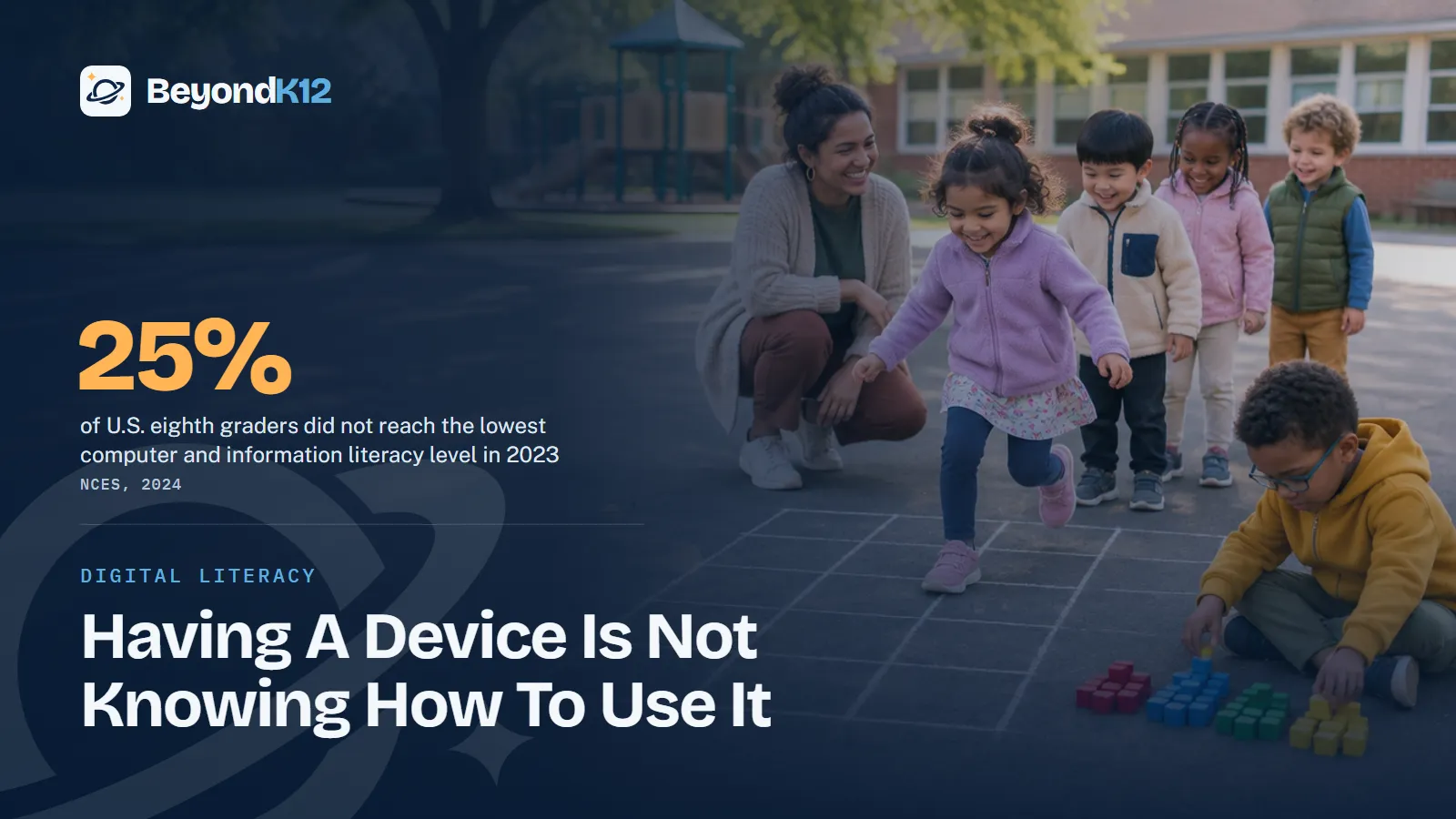
Yes, computer curriculum is still necessary, because having a device is not the same as knowing how to use it. The evidence is stronger than it was when I first answered this question in 2013: about a quarter of U.S. eighth graders did not reach the lowest level of computer and information literacy in 2023, according to NCES.
Devices spread, and measured skills fell
The clearest evidence comes from the International Computer and Information Literacy Study, which NCES runs in the United States. NCES reports that U.S. eighth graders scored 482 in computer and information literacy in 2023, down from 519 in 2018. NCES also reports that their computational thinking score fell from 498 to 461, below the international average of 483.
U.S. eighth-grade scores on ICILS, 2018 and 2023
The study does not say devices caused the drop. It says devices did not prevent it. When the results came out, the NCES commissioner said they raise questions about the savvy of so-called digital natives, students who use this technology for hours each day but often lack the basic skills to be safe with it.
25%
of U.S. eighth graders did not reach the lowest computer and information literacy level.
NCES, ICILS 2023
15%
of U.S. eighth graders scored below Level 1 in computational thinking, against a 10% international average.
NCES, ICILS 2023
78%
of U.S. eighth graders learned to manage privacy settings outside of school rather than at school.
NCES, ICILS 2023
73%
of U.S. eighth graders learned to identify scam messages outside of school rather than at school.
NCES, ICILS 2023
Newer international evidence points the same way. In PISA 2025, almost two-thirds of students across OECD countries reached the proficiency level in computational problem solving, but only half reached it while also showing basic proficiency in science, reading, and mathematics, the OECD reports. Students need both.
Handing a child a device is not the same as teaching that child to use it.Ernie Delgado, BeyondK12
Curriculum is one of five parts of a technology plan
As devices became common, technology planning became more important, not less. Here are the five areas I told schools to plan for in 2013, and where computer curriculum fits.
| Area | What it covers |
|---|---|
| Teacher preparation | Assessment, professional development, and ongoing support |
| Student preparation | The basic skills of a computer curriculum, which prepare students for integrated work in every subject |
| Classroom curriculum | Existing lessons rewritten around projects and relevant technology |
| Infrastructure | A reliable wireless network, security, IT support, and policies |
| Project management | Assessment, ongoing planning, and accountability |
Many smart administrators have learned the hard way that a one-day in-service is not the answer and a one-size-fits-all approach will not work. Student preparation is the row most often skipped, because a device in hand looks like readiness. The third row has its own guide: how to rewrite lesson plans for new technology and AI.
What should students learn, and in which grades?
The best fit for this curriculum is a K-6 or K-8 program. Starting in kindergarten, students work at the lower levels of a scope and sequence across the major technology areas: word processing, spreadsheets, databases, multimedia, graphics, desktop publishing, applied technology, the internet, and operating systems. Today I would add AI literacy to that list, because students need to question what a chatbot gives them.
Many principals have given me a perplexed look when I say we encourage kindergartners to learn basic spreadsheet skills. We start with simple concepts, like rows and columns on a hopscotch grid, or database skills such as sorting by attribute. Primary students sort things all the time by color and type, and Venn diagrams are another great tool. None of that needs a screen, which matters now that states such as Iowa are limiting digital instruction in K-5 while making exceptions for computer science, according to Stateline.
That is the thinking behind our TechPlus AI curriculum, a TK-8 digital literacy and AI literacy program where every project ends with the student explaining their work. Explaining is the check that a device cannot do for them.
If the basics are taught well, students should no longer have to learn computer skills in high school. That frees high school for higher-level electives: network administration, desktop support, graphic design, publishing, programming, app development, and video and multimedia production. For students who may not have a higher education plan, these skills can be invaluable. Junior high and high school students can also apply them in our entrepreneurship courses, CEO Challenge and CEO Marketing, where they choose a business idea they care about, research it, and build a plan.
The job market keeps raising the floor. A 2023 National Skills Coalition analysis found 92% of the jobs it studied require digital skills, and employers in NACE's 2026 spring survey said more than one-third of entry-level jobs require AI skills.
Who should teach computer curriculum?
That depends on your staff, but most of the time you need a specialist such as a computer teacher or technology coordinator. I emphasize teach. A project-based class needs someone with classroom management skills and an understanding of instructional design and learning theory.
A techie person, generally speaking, does not have the skill set to motivate and manage a class of K-2 students. The instructor has to hold the attention of children with a keyboard or a touch screen in front of them, and that takes patience and a high level of classroom management. Hire or train for the teaching first.
Is your computer curriculum worth keeping?
I once asked if a curriculum was worth the weight of its three-ring binder. The binder is gone, and the test still works.
How do you add curriculum to a 1:1 program?
- Measure first. Give students a short real task, such as finding and judging a source or building a simple spreadsheet. Watch what they can do, not what they say they can do.
- Map the scope and sequence. List the skills by grade, and mark what is taught, where, and by whom. The gaps will show quickly.
- Name the teacher. Decide who owns the curriculum in each grade, and give that person time on the schedule.
- Connect it to classrooms. Basic skills prepare students for integrated lessons, so tie each unit to work they are doing in other subjects.
- Assess by explanation. Ask students to show what they made, why, and what they would change. Review the plan each year.
Where to start this week
Ask one question at your next leadership meeting: where, by name and by grade, do our students learn to judge information and protect their accounts? If the answer is that they pick it up on their own, the ICILS data says many of them do not. The case for a dedicated class is in why every student needs a technology class.
To see how curriculum fits with the rest of your plan, take the free AI Readiness Assessment. It takes five minutes and scores you across Policy, People, Curriculum, Guardrails, and Funding, with the three fixes that matter most.
Related reading: Why every student needs a technology class in their curriculum today and Digital literacy in K-12 education: what future-ready students need by grade 8.
Questions school leaders ask
If every student has a device, do they still need a computer class?
Yes. NCES reports that 25% of U.S. eighth graders did not reach the lowest level of computer and information literacy in 2023. Daily use teaches students the apps they like. It does not reliably teach them to judge information, protect an account, or build something.
Aren't today's students digital natives?
Not in the way the phrase suggests. When the ICILS results came out, the NCES commissioner said they raise questions about the technological savvy of these students, and that many lack the basic skills to be safe online despite hours of daily use.
What grades should computer curriculum cover?
The best fit for the basics is K-6 or K-8, with students starting at the lower levels of a scope and sequence in kindergarten. If that goes well, high school can move to advanced electives such as programming, design, and network support.
Who should teach computer curriculum?
Most of the time, a specialist such as a computer teacher or technology coordinator. Project work needs someone with classroom management skills and an understanding of instructional design. Technical skill alone is not enough, especially with younger students.
Does BYOD change the answer?
It makes curriculum more necessary, because students arrive with different devices and different habits. It is also less common during the school day: CoSN's 2026 survey found 58% of districts have complete bans on personal devices during the school day or instructional periods, according to K-12 Dive.
Sources
- NCES, U.S. eighth-graders' scores decline on international assessment of computer and information literacy (November 2024) (opens in a new tab) (checked 2026-11-05)
- K-12 Dive, Most districts now have 1:1 device programs, on CoSN's 2026 State of Ed Tech report (May 2026) (opens in a new tab) (checked 2026-11-05)
- OECD, PISA 2025: Students' reading and mathematics performance declined sharply across the OECD (September 2026) (opens in a new tab) (checked 2026-11-05)
- Pew Research Center, How teens use and view AI (February 2026) (opens in a new tab) (checked 2026-11-05)
- National Skills Coalition, New report: 92% of jobs require digital skills (February 2023) (opens in a new tab) (checked 2026-11-05)
- NACE, Ready or reluctant: employer expectations for AI skills meet student skepticism (July 2026) (opens in a new tab) (checked 2026-11-05)
- Stateline, States move to limit classroom screen time (July 2026, via Washington State Standard) (opens in a new tab) (checked 2026-11-05)

See where your school stands on AI, in five minutes
Eight questions. A score out of 24 across Policy, People, Curriculum, Guardrails, and Funding, with the three fixes that move it most. The report is yours whether or not you ever call us.