


How to rewrite lesson plans to accommodate new technology and AI
How to rewrite lesson plans for new technology and AI with TPACK and SAMR, keep students explaining their work, and avoid swapping paper for screens.
Updated with current data and sources. Originally published March 10, 2014.
To rewrite a lesson plan for new technology, start with the learning goal, decide what thinking students must do themselves, and add a tool only where it changes what they can do. In the age of AI, one more rule applies: every redesigned lesson ends with students explaining their own work.
- Technology integration
- Designing a lesson so technology serves its learning goal, in the content teachers already teach. I have called this the last mile in education: the point where technology and curriculum meet and become real for students.
Why swapping paper for screens is not a rewrite
In 2014 I described what teachers reach for when they have no plan: playing games, downloading worksheets from the internet, or letting students search for websites with no clear link to the lesson. A worksheet on a screen is still a worksheet. The 2024 National Educational Technology Plan made the same point in federal language, arguing that too much technology use is essentially passive, Chalkbeat reported.
The newest international data agrees. In PISA 2025, the OECD found that students tended to perform less well when technology use became excessive or when devices were used for leisure at school. The OECD's advice is plain: use digital tools with care, for clearly defined purposes, and in moderation.
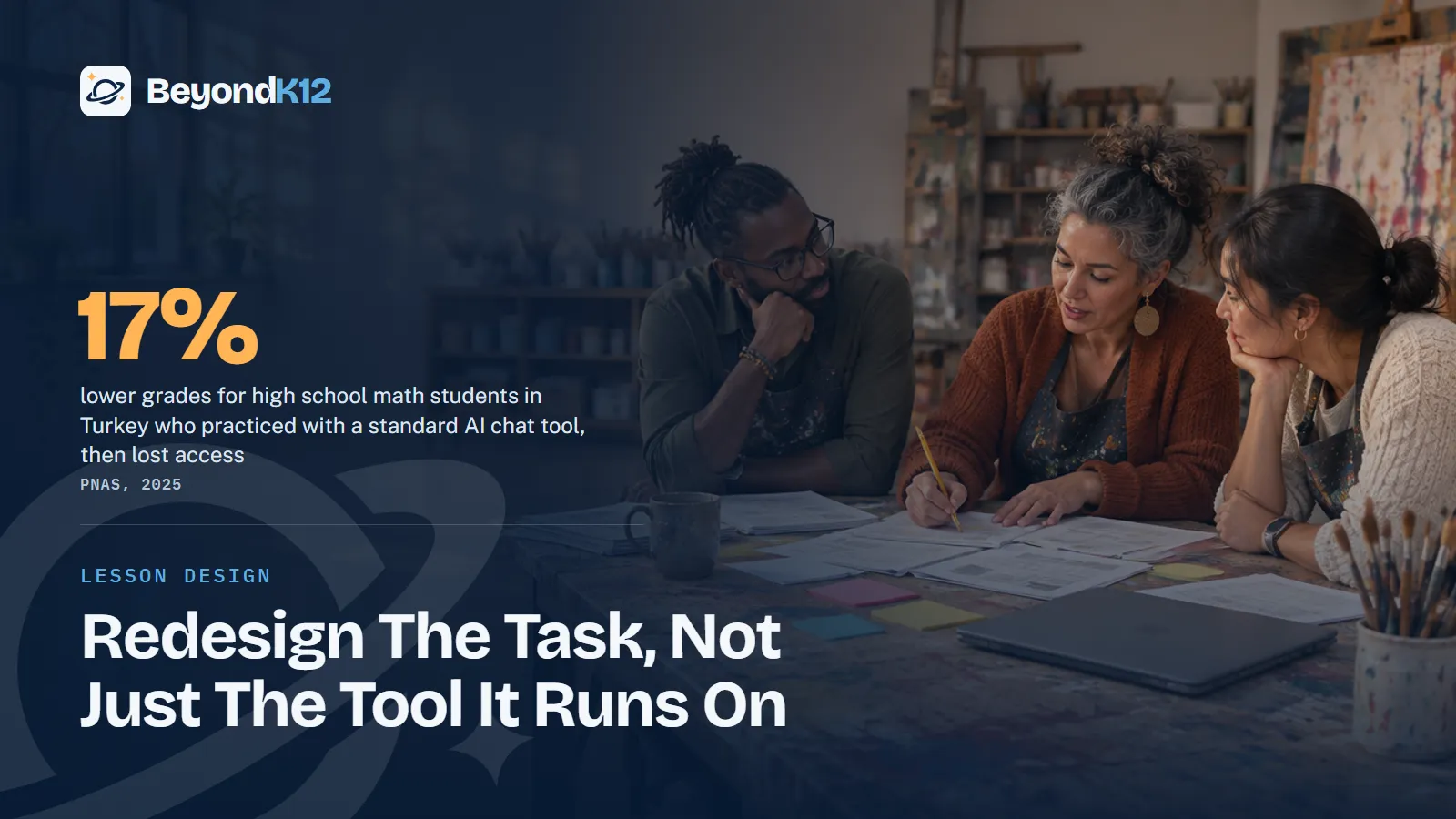
AI raises a harder problem, because it can make a lesson look better while students learn less. In a field experiment with nearly a thousand high school math students in Turkey, published in PNAS in 2025, students using a standard GPT-4 chat tool did 48% better during practice. When the tool was taken away, they did 17% worse than students who never had it.
Change in math grades compared with no AI, high school students in Turkey
The design made the difference. A second group used a tutor built to give hints instead of answers, and its exam scores came out about the same as those of students with no AI, Knowledge at Wharton reported. The study covered one subject in one country, so read it as a warning and not a verdict. The OECD saw a related pattern in PISA 2025: students who did not use AI to draft text for writing assignments outperformed those who did.
Use TPACK to check the fit
TPACK, introduced by Punya Mishra and Matthew Koehler in 2006, stands for Technological Pedagogical Content Knowledge. Mishra describes its heart as the interaction of three forms of knowledge: technology, pedagogy, and content. A good lesson finds the right balance among them in a specific setting, and he has since applied the framework to generative AI.
Put that into three questions. What must students know or do? What teaching method gets them there? Only then ask which tool, if any, supports that method. If a tool cannot answer to the first two questions, leave it out.
Use SAMR to see if the task really changed
Ruben Puentedura's SAMR model sorts technology use into four levels. It is a quick way to test whether you rewrote a lesson or just moved it.
| SAMR level | Puentedura's description | Question for your lesson |
|---|---|---|
| Substitution | Direct tool substitute, no functional change | Would paper do this just as well? If so, why change it? |
| Augmentation | Direct tool substitute, with functional improvement | Does the improvement help students learn, or only speed things up? |
| Modification | Significant task redesign | What can students now do that changes the thinking involved? |
| Redefinition | New tasks, previously inconceivable | Is this new task better for the learning goal, or just new? |
Do not treat SAMR as a ladder. A 2016 critical review in TechTrends pointed to its absence of context, its hierarchical structure, and its emphasis on product over process. Sometimes substitution is the right choice, and sometimes the best version of a lesson uses paper and talk. The question is whether the choice serves the goal.
What should you redesign first?
Start with the tasks an AI tool could finish without the student. Take-home writing, summaries, and practice sets with one right answer are the usual suspects. For each one, decide what evidence of thinking you need and where it will happen.
The AI Assessment Scale helps here. It describes five kinds of task, from No AI through AI Planning, AI Collaboration, Full AI, and AI Exploration, and its authors stress that no level is better than another. Choose the level that fits what the task is meant to assess, and tell students which one applies.
- Pick four lessons. A teacher new to integration should choose at least four lessons across the school year. Pick ones tied to your standards and the technology you already have.
- Write the goal and the evidence. State what students will learn and what proof of it you will accept, before you name any tool.
- Plan with an expert. Schedule time with a grade-level or subject expert to choose the right app, strategy, or tool, and run the TPACK questions together.
- Test the task. Use SAMR to see what changed, then try the assignment in an AI tool yourself. If it can do the whole job, redesign it.
- Set the AI role. Say which part students do alone, what AI may do, and how they should disclose it. Include how they will check its output.
- End with explanation. Students say what they made, why, which tools helped, and what they would improve. Then revise the lesson from what you saw.
How do you keep students explaining their work?
Build explanation into the lesson plan as a graded step, not an extra. A short conference, a recorded walkthrough, a live demonstration, or a few questions at the teacher's desk all work. The student answers from memory and understanding, with the work in front of them. Saved drafts and notes on AI use give you something to talk about.
This is the center of our TechPlus AI curriculum, where every project ends with the student explaining what they made. It is also human in the loop applied to a student's own work. The same rule covers teachers. If AI drafts a lesson, the teacher reviews it and adapts it to the students in the room before anyone sees it.
If a student cannot explain the work, the lesson is not finished, no matter how good the work looks.Ernie Delgado, BeyondK12
Who should write the lessons? Use the 3 C's
Rewriting lessons takes time, and consistency and quality decide whether it pays off. In 2014 I told principals to weigh three things for each teacher: confidence, competence, and content. A teacher with lower confidence will likely need someone else to help write these lessons, in-house or outside. Teachers with more experience can write their own and get better with each one.
At some point a principal may have to decide if certain teachers should keep investing that time, or if a specialist should lead the work. Support is still thin: in an EdWeek Research Center survey last winter, 42% of teachers said they had received no training on using generative AI in the classroom. Motivated teachers find help through their personal learning networks, and proactive principals bring it to the rest of the staff. Our teacher professional development can pair that work with grade-level sessions and coaching.
Where to start this week
Ask each teacher to name one assignment an AI tool could finish in a minute. Rewrite that one together at your next team meeting, using the steps above, and bring the student explanations back to the following meeting. One honest rewrite will teach your staff more than a slide deck on frameworks.
To see how lesson design fits with policy, training, and guardrails, take the free AI Readiness Assessment. It takes five minutes and scores you across Policy, People, Curriculum, Guardrails, and Funding, with the three fixes that matter most.
Related reading: Why school leaders must consider human in the loop AI for future-ready strategies and Building a whole-school culture of responsible AI use and human decision making.
Questions school leaders ask
What is the SAMR model?
SAMR, from Ruben Puentedura, sorts technology use into four levels: substitution, augmentation, modification, and redefinition. The first two enhance a task and the last two transform it. Use it as a question about a lesson, not a ladder every lesson must climb.
What is TPACK?
TPACK is Technological Pedagogical Content Knowledge, introduced by Punya Mishra and Matthew Koehler in 2006. It says good teaching with technology comes from balancing what you teach, how you teach it, and the tool you use, in a specific setting.
How many lessons should a teacher rewrite?
A teacher new to technology integration should start with at least four lessons across a school year. A few well-built lessons teach more than a year of small add-ons, and they give the teacher something to improve.
Should teachers use AI to write lesson plans?
They can, with review. Gallup found 37% of teachers used AI at least monthly to prepare to teach. The teacher still owns the plan: check the facts, fit it to the students in the room, and follow your school's AI guidance. Only 18% of teachers report formal guidance from administrators, according to Gallup, so write yours down.
How do we keep AI from doing the thinking for students?
Decide which part of the task students must do alone, say what role AI may play, and require students to explain their work. In the PNAS study, a tutor with safeguards largely removed the harm that a standard chat tool caused.
Sources
- Bastani and colleagues, Generative AI without guardrails can harm learning, PNAS (2025, abstract via EconPapers) (opens in a new tab) (checked 2026-11-05)
- Knowledge at Wharton, Without guardrails, generative AI can harm education (opens in a new tab) (checked 2026-11-05)
- OECD, PISA 2025: Students' reading and mathematics performance declined sharply across the OECD (September 2026) (opens in a new tab) (checked 2026-11-05)
- OECD, Remarks by Secretary-General Mathias Cormann at the international launch of PISA 2025 (September 2026) (opens in a new tab) (checked 2026-11-05)
- Ruben Puentedura, Transformation, Technology, and Education (SAMR model) (opens in a new tab) (checked 2026-11-05)
- Hamilton, Rosenberg, and Akcaoglu, The SAMR model: a critical review, TechTrends (2016) (opens in a new tab) (checked 2026-11-05)
- Arizona State University, Researchers apply the TPACK framework to AI learning (2023) (opens in a new tab) (checked 2026-11-05)
- Perkins, Roe, Furze, and MacVaugh, The AI Assessment Scale (opens in a new tab) (checked 2026-11-05)
- Gallup and Walton Family Foundation, three in ten teachers use AI weekly, saving six weeks a year (2025) (opens in a new tab) (checked 2026-11-05)
- Gallup and Walton Family Foundation, most teachers receive no formal guidance on AI use (May 2026) (opens in a new tab) (checked 2026-11-05)
- Pew Research Center, How teens use and view AI (February 2026) (opens in a new tab) (checked 2026-11-05)
- Chalkbeat, National education technology plan tackles digital divide beyond laptops (January 2024) (opens in a new tab) (checked 2026-11-05)
- Education Week, More schools are providing AI training for teachers. Is it any good? (May 2026) (opens in a new tab) (checked 2026-11-05)
- Stateline, States move to limit classroom screen time (July 2026, via Washington State Standard) (opens in a new tab) (checked 2026-11-05)

See where your school stands on AI, in five minutes
Eight questions. A score out of 24 across Policy, People, Curriculum, Guardrails, and Funding, with the three fixes that move it most. The report is yours whether or not you ever call us.