


The top 6 mobile devices for a K-12 school in 2026, and what each one is for
The top 6 mobile devices for a K-12 school in 2026 by category: Chromebooks, iPads, laptops, 2-in-1s, Android tablets, and e-readers, and what each is for.
Updated with current data and sources. Originally published March 11, 2014.
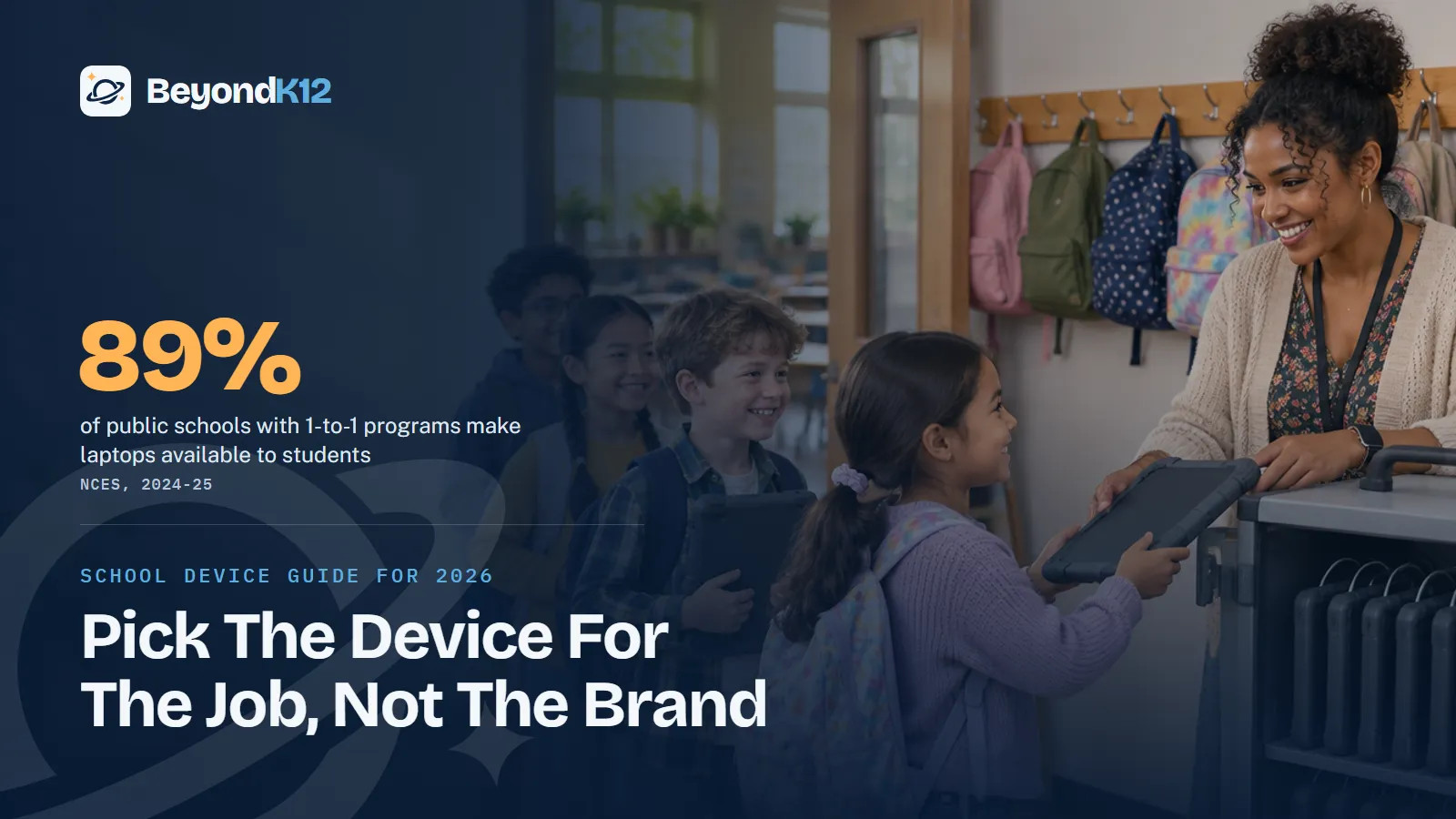
The top six mobile devices for a K-12 school in 2026 are six categories: Chromebooks, iPads, full laptops, 2-in-1s, Android tablets, and e-readers. Each does one job well, and the right mix depends on your grades, your lessons, and how long you can keep the fleet running.
What should a school do before it chooses a device?
Long-time educator Jamie McKenzie warned about "toolishness": a fondness for tools that outruns any plan for using them. Putting a device in every hand should not be the first step. Many schools that made 1-to-1 their first move found they were not ready.
Los Angeles Unified remains the lesson. Some 300 high school students got past the iPads' security during the first phase in 2013, according to The Hechinger Report. A 2014 evaluation found staff were so focused on distributing devices that little attention went to using them well, according to Education Week. Los Angeles is in the news again for a different reason: it has barred instructional screen time before second grade, according to Stateline.
- Name the jobs. List what students in each grade will do on a device. The device follows from that list.
- Train teachers first. Give them time with the device and the lessons before students arrive. Our professional development covers classroom technology and AI.
- Update lesson plans. A new device on an old lesson changes little. Decide which lessons change and which stay on paper.
- Prove the network. Test wireless coverage with a full class online at once, in the rooms where it will happen.
- Pilot with a cart. A shared cart lets you sample a device before you buy one per student. CoSN's 2026 report quotes a 1:1 district now considering carts for budget reasons, so a cart is a sound model too.
What are the top 6 mobile devices for schools in 2026?
1. Chromebooks: the everyday 1-to-1 device
Chromebooks remain a strong fit for schools that work in the browser and in Google tools. Google highlights cloud-based management, automatic updates, and built-in accessibility tools such as Reading mode and text-to-speech. Chromebook Plus models add AI features and, by Google's description, twice the power, speed, memory, and storage.
2. iPads: younger students and creative work
The current entry iPad runs the A16 chip with 128GB of starting storage, according to Apple. Touch suits early grades, and the camera and drawing tools suit media projects. Apple's Classroom app gives teachers a live view of student screens, and Apple School Manager handles setup at scale. It is still a tablet, so budget for a keyboard where students write at length.
3. Full laptops: computer science, media, and career courses
A laptop still offers the most flexibility, because much of the working world still runs on computers. Choose one where students code, edit video, or use specialized software. Current options include the 13-inch MacBook Neo, which Apple now markets to schools, and the Surface Laptop 13-inch from Microsoft.
4. 2-in-1 devices: teachers and note-heavy work
A 2-in-1 is a tablet and a laptop in one, the role Surface held in 2014. Microsoft now positions the Surface Pro 12-inch for learning, running the Snapdragon X2 Plus processor. It suits teachers who present, annotate, and move around the room. Test your assessment platform and specialized apps on it first.
5. Android tablets: shared and rugged use
Samsung's Galaxy line gives schools an Android option. The Galaxy Tab A11+ starts at $299.99 before trade-in on Samsung's U.S. site, and the Galaxy Tab Active series covers rugged use, such as science outdoors. Samsung validates its Galaxy devices and Knox Manage as Android Enterprise Recommended, so plan your management tools with the purchase.
6. E-readers and reading tablets: library and independent reading
Kindle e-readers do one job with few distractions. Amazon's Fire tablets gave way to Alexa Tablets, which run Android with the Google Play Store and include a Kindle reading mode, according to The Next Web. These are consumer tablets, so confirm management first. If students already have school devices, a reading app such as Sora may cover the need.
| Device | Best for | Watch for | Published U.S. price |
|---|---|---|---|
| Chromebook | Everyday 1-to-1 in the browser | Update date for each model; Class tools needs Workspace for Education Plus | Varies by model |
| iPad | Early grades and creative work | Keyboard cost; plan for loss and theft | Ask your reseller |
| Full laptop | Coding, media, career courses | Higher cost; heavier software needs | MacBook Neo $649 education store; Surface Laptop 13-inch $1,199.99 |
| 2-in-1 | Teachers, annotation, note-taking | Test key apps before you buy | Ask your reseller |
| Android tablet | Shared carts and rugged use | Management setup | Galaxy Tab A11+ from $299.99 |
| E-reader or reading tablet | Library and independent reading | Consumer accounts and management | Alexa Tablets $229.99 to $549.99 |
Those are published prices from Apple's education store as reported by MacRumors, Microsoft, Samsung, and The Next Web, checked in November 2026. School contract pricing will differ. Laptops lead the mix: among public schools with 1-to-1 programs, NCES found 89% make laptops available and 27% make tablets available.
A school should be able to say what a device is for before anyone says which device to buy.Ernie Delgado, BeyondK12
How long will a school device last, and what will it cost?
Plan for the whole life of the device. CoSN's 2026 survey shows how quickly districts cycle through hardware, and how much longer tablets stay in service.
Districts that replace devices in four years or less
Three dates and costs matter now. Google says ChromeOS devices receive 10 years of updates from the platform release date, and it publishes the date for each model. Microsoft set October 2026 as the end of support for Windows 11 SE, the edition designed for K-8 students on school laptops, so find any you still own. And prices are climbing: The Register reported in March that a memory shortage would squeeze Chromebooks hardest, and MacRumors tracked the MacBook Neo's education price from $499 in March to $649 in October.
Meanwhile, 38% of districts expect reduced funding for devices, according to CoSN, which could lengthen refresh cycles. See our funding guide for how schools pay for technology and training.
Do state laws change which device you should buy?
They can, so read them before you sign a multi-year order. Utah lawmakers directed the state board to develop rules prohibiting one-device-per-student ratios in elementary school, according to Stateline, and Iowa capped digital instruction at 60 minutes a day in kindergarten through fifth grade, with exceptions. Shared carts may fit better in those grades.
Phones are off this list for the same reason. At least 40 states and the District of Columbia require districts to ban or restrict student cellphones, according to Education Week, and CoSN found 58% of districts ban personal devices during school. Whatever you buy, include classroom oversight in the decision. Teachers with substantial oversight were less than half as likely to call devices a major or moderate distraction (20% versus 52%), according to Walton Family Foundation and Gallup.
Where to start this week
List the devices you own by category and update end date, then mark the jobs each one does. You will see quickly which purchases are needs and which are habits.
Every device you buy now also carries AI. The free AI Readiness Assessment asks eight questions and scores your school across Policy, People, Curriculum, Guardrails, and Funding, so the plan comes before the purchase.
Related reading: Why every student needs a technology class in their curriculum today and Education grants: a guide to funding STEM and AI curriculum and support.
Questions school leaders ask
What is the best mobile device for a K-12 school?
There is no single best device. Chromebooks suit most 1-to-1 programs, iPads suit younger students and creative work, and full laptops suit computer science and media courses. NCES found 89% of public schools with 1-to-1 programs make laptops available and 27% make tablets available.
How long should a school keep a Chromebook?
Google says ChromeOS devices receive 10 years of updates from the platform release date, so check the date for each model before you buy. CoSN's 2026 survey found half of districts replace Chromebooks and similar internet-only student laptops in four years or less.
Should schools still use BYOD or student phones?
Few plans depend on them now. CoSN found 58% of districts ban personal devices during school, and at least 40 states and the District of Columbia require districts to ban or restrict student cellphones, according to Education Week. Plan on school-managed devices.
Are Kindle Fire tablets still an option for schools?
Amazon replaced its Fire tablets with Alexa Tablets in October 2026. They run Android with the Google Play Store and start at $229.99, according to The Next Web. Confirm how you will manage them before you buy, because they are consumer tablets.
Do state screen time laws affect device purchases?
They can, especially in elementary school. Stateline reports that Utah lawmakers directed the state board to develop rules prohibiting one-device-per-student ratios in elementary school, and Iowa capped digital instruction at 60 minutes a day in kindergarten through fifth grade, with exceptions. Check your state before you sign a multi-year order.
Sources
- NCES, More than half of public school leaders say cell phones hurt academic performance (February 2025) (opens in a new tab) (checked 2026-11-05)
- CoSN, U.S. State of EdTech 2026 (May 2026) (opens in a new tab) (checked 2026-11-05)
- Google, Auto Update policy, Chrome Enterprise and Education Help (opens in a new tab) (checked 2026-11-05)
- Google for Education, Learn about Chromebooks for schools (opens in a new tab) (checked 2026-11-05)
- Apple, K-12 Education (opens in a new tab) (checked 2026-11-05)
- Apple, MacBook Neo (opens in a new tab) (checked 2026-11-05)
- MacRumors, Apple raises MacBook Neo's starting price to $649 on education store (October 2026) (opens in a new tab) (checked 2026-11-05)
- Microsoft, Surface Laptop product page (opens in a new tab) (checked 2026-11-05)
- Microsoft Tech Community, From classroom to anywhere: extending Surface for learning (2026) (opens in a new tab) (checked 2026-11-05)
- Microsoft Learn, Windows 11 SE frequently asked questions (opens in a new tab) (checked 2026-11-05)
- Samsung, Galaxy Tab A11+ product page (opens in a new tab) (checked 2026-11-05)
- Samsung Business, Galaxy Tab Active series (opens in a new tab) (checked 2026-11-05)
- Samsung Business, Knox Suite (opens in a new tab) (checked 2026-11-05)
- The Next Web, Amazon replaces Fire tablets with Android Alexa Tablets from $229.99 (October 2026) (opens in a new tab) (checked 2026-11-05)
- Innovation Village, Amazon hardware rollout: every new Alexa Tablet, Kindle, and Ring device (October 2026) (opens in a new tab) (checked 2026-11-05)
- OverDrive, Discover Sora (opens in a new tab) (checked 2026-11-05)
- The Register, Memory crunch threatens to kneecap Chromebook shipments (March 2026) (opens in a new tab) (checked 2026-11-05)
- Stateline, States move to limit classroom screen time (July 2026) (opens in a new tab) (checked 2026-11-05)
- Education Week, Which states ban or restrict cellphones in schools? (updated October 2026) (opens in a new tab) (checked 2026-11-05)
- Walton Family Foundation and Gallup, Teaching for Tomorrow: Screen Wise press release (September 2026) (opens in a new tab) (checked 2026-11-05)
- From Now On, Jamie McKenzie, Toolishness is Foolishness (September 2001) (opens in a new tab) (checked 2026-11-05)
- Education Week, L.A. district finds use of iPad curriculum limited (September 2014) (opens in a new tab) (checked 2026-11-05)
- The Hechinger Report, After bungled iPad rollout, lessons from LA put tablet technology in a time out (2013) (opens in a new tab) (checked 2026-11-05)

See where your school stands on AI, in five minutes
Eight questions. A score out of 24 across Policy, People, Curriculum, Guardrails, and Funding, with the three fixes that move it most. The report is yours whether or not you ever call us.