


Which 1:1 tool is best for classroom and mobile computing, grade by grade?
The best 1:1 tool depends on the grade band. How to choose tablets, Chromebooks, or laptops for K-2 through 12, with 2026 screen time and testing rules.
Updated with current data and sources. Originally published May 29, 2013.
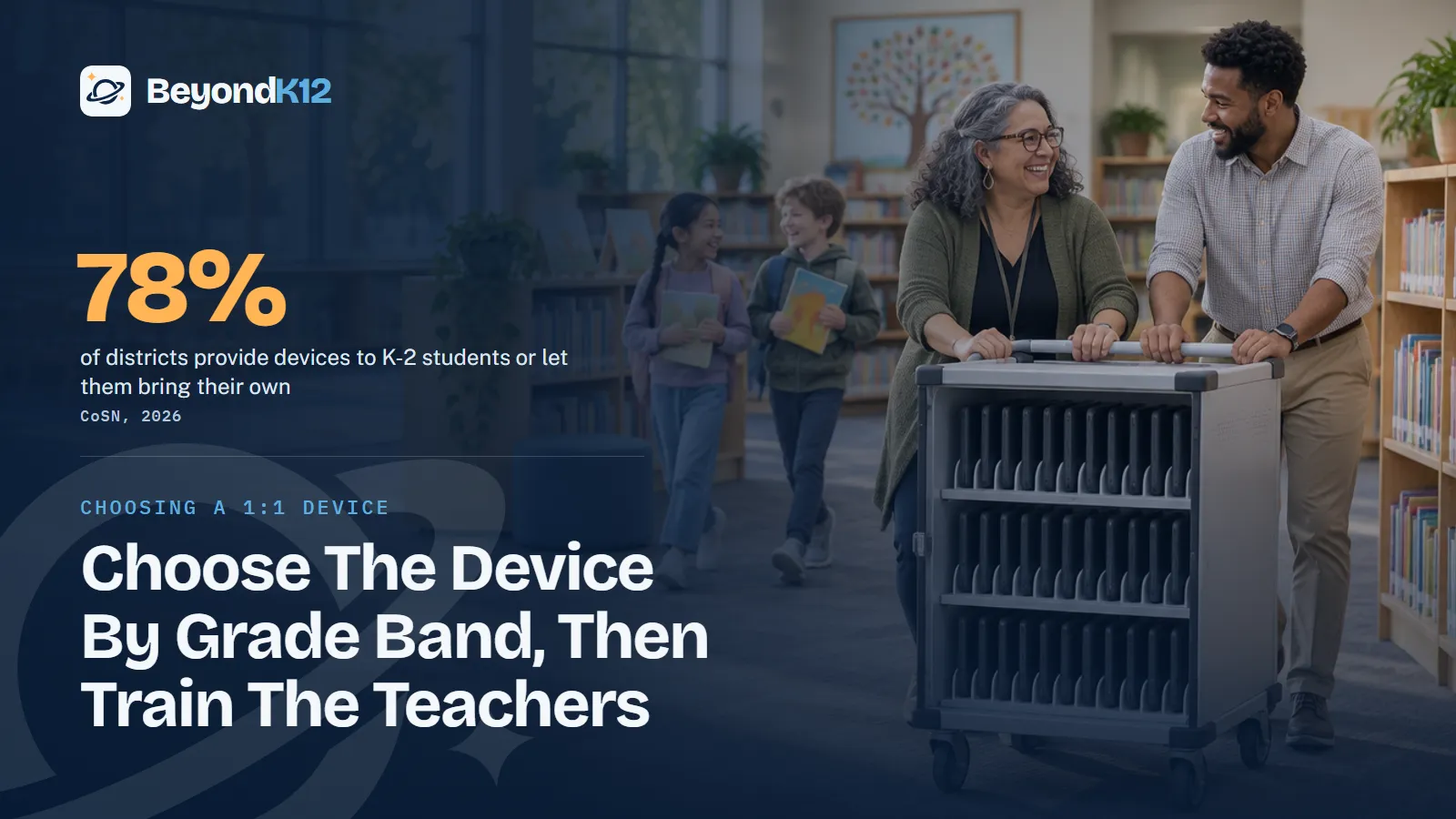
The best 1:1 tool depends on the grade band, and in the youngest grades the best answer may be no individual device at all. Share tablets in K-2, share keyboard devices in grades 3-5, and move to laptops in grades 6-12, then spend at least as much attention on teacher training as on the hardware.
How common is 1:1 in each grade band?
Very common, and most common in the middle grades. CoSN's 2026 survey of more than 600 district technology leaders found the numbers below, according to K-12 Dive. The K-2 figure counts districts that provide devices or permit students to bring their own.
Districts with 1:1 device programs, by grade band
That does not settle what a school should do next. The same survey found 38% of districts expect reduced funding for devices in 2026, and CoSN said refresh cycles could lengthen. The research on tablets, laptops, paper, and handwriting is in our companion post, Laptops or tablets for K-12? This post covers the decision that comes after: which platform to buy for each band, and how to make it work.
Which device fits each grade band?
This is my recommendation. Adjust it for your students, your teachers, and your state's rules. As I said in 2013, each school has to weigh every option and choose the best tool for its own purpose.
| Grade band | Best fit | Assign or share | Choose something else when |
|---|---|---|---|
| K-2 | iPads or other simple touch tablets | Shared, on a cart, for short activities | Your state or board limits screens at this age |
| 3-5 | Chromebooks or laptops with keyboards | Shared class sets, stored at school | Your test platform or a student's learning plan calls for a different device |
| 6-8 | Chromebooks for most schools | Assigned, or class sets if budgets tighten | Your courses need software that will not run on ChromeOS |
| 9-12 | Chromebooks for general work, with Windows or Mac laptops for heavy projects | Assigned, with a lab or cart for specialty courses | Video, design, or career courses need a more substantial machine for every student |
Keyboards are the turning point. The Common Core writing standards expect students to type a minimum of one page in a single sitting in grade 4 and two pages in grade 5, with guidance from adults. A tablet without a keyboard is a poor tool for that work. At the other end, some projects still require a laptop or a more substantial machine, which is as true now as it was in 2013. Boise's choice is one current example: iPads for K-2 and laptops for grades 3-12, according to Idaho Education News.
Platform also matters less than one plan. A school running two or three kinds of devices has to train and support all of them, so add a second platform only when the work demands it. For the budget side of that choice, see whether a Chromebook model can be half the cost.
How do new screen time rules change the choice?
Stateline counted four states that passed laws on student screen time in 2026, while bills in Missouri and Oklahoma failed. Tennessee's law names districts and charter schools, and Utah's model policies cover public school classrooms, so Catholic and independent schools may not be bound. They should still read these laws. Parents will compare, and a shared cart in third grade is now an easy decision to defend.
The evidence supports moderation, not removal. In PISA 2025, using devices for learning at school went with better science results up to a point, and results started to fall beyond about five hours a day, OECD Secretary-General Mathias Cormann said at the launch. That is a finding about 15-year-olds in the study, and it is an association, not proof of cause.
38%
of districts expect reduced funding for devices in 2026.
CoSN, 2026, via K-12 Dive
43%
of districts limit screen time during school hours by instructional design.
CoSN, 2026, via K-12 Dive
58%
of districts have complete bans on personal devices during the school day or instructional periods.
CoSN, 2026, via K-12 Dive
1 in 4
Students saying classmates are distracted by devices in most or every science lesson: more than one in four.
OECD, PISA 2025
What do testing rules require?
Your test platform can veto a device. Smarter Balanced says a physical keyboard is required on student devices, with an exemption for students who need assistive technology. Rules vary by state, so confirm yours with your test coordinator.
College Board's rules matter for any school giving the SAT, PSAT, or AP Exams. Bluebook runs on Windows, Mac, iPad, and school-managed Chromebooks, but not on personal Chromebooks or phones. Chromebooks need ChromeOS 144 or higher, and external keyboards are not allowed with them. On an iPad, external keyboards are allowed for the SAT and PSAT and required for fully digital AP Exams. Windows 11 SE and S mode are not supported. Check these pages again before each purchase, because the minimum versions change.
Why does training matter more than the tool?
Stuff doesn't teach, teachers do. In 2013 I saw schools use their advanced 1:1 technology as an enrollment selling tool while staff used iPads only for note taking or for logging into online textbooks. Those schools were falling short, whatever the brochure said.
I remember the other side of it from my own classroom. We were left to take online training or use an in-service day, and how much can anyone really learn in a day or from a tutorial? Many teachers still did not know how to fit what they learned into their lessons, or when they would find the time.
Stuff doesn't teach, teachers do, so buy the device last and plan the training first.Ernie Delgado, BeyondK12
The problem has a federal name now. The 2024 National Educational Technology Plan described a design divide, where only some teachers have the training, support, and planning time to use new technology well, Chalkbeat reported. AI adds to the load: in an EdWeek Research Center survey last winter, 42% of teachers said they had received no training on using generative AI in the classroom. Our teacher professional development includes coaching and follow-up, because a single day was never enough.
How should a school choose?
- Start with the work. Write down what students in each band make, read, record, and test. Let that list choose the device.
- Read the rules. Check your state's screen time law, your board policy, and your test platforms before you talk to a vendor.
- Decide assigned or shared. Set the grade where a device becomes a student's own, and whether it goes home. Shared sets cost less and answer most screen time concerns.
- Pilot with teachers. Put the short list in the hands of a few teachers for a unit of real work, and ask what got in the way.
- Schedule training before delivery. Plan hands-on sessions and ongoing support first, then set the delivery date.
Where to start this week
Walk one classroom in each grade band and write down what students actually do on their devices. Then compare that list with the table above. Where the device and the work do not match, you have your first decision. If a device program is working but students still lack the skills to use it, read whether computer curriculum is still necessary.
Devices are only one part of being ready for AI in your school. The free AI Readiness Assessment takes five minutes and scores you across Policy, People, Curriculum, Guardrails, and Funding, with the three fixes that matter most.
Related reading: Can a Chromebook 1-to-1 model be half the cost of other models? and Laptops or tablets for K-12? What the research says, by grade band.
Questions school leaders ask
What is the best 1:1 device for elementary school?
For K-2, we recommend shared tablets rather than a device for each child. For grades 3-5, shared Chromebooks or laptops with keyboards fit better, because the Common Core expects students to type a page in one sitting by grade 4. Check your state first: Utah's rules will prohibit one device per student in elementary school, according to Stateline.
Is an iPad enough for a 1:1 program?
For young students, often yes. For older students, it needs a keyboard, and some projects still need a laptop or a more powerful machine. Smarter Balanced requires a physical keyboard for testing, and an iPad needs an external keyboard for fully digital AP Exams, according to College Board.
Can students take the digital SAT on a school Chromebook?
Yes, if the school manages the Chromebook. College Board says Bluebook runs on Windows, Mac, iPad, and school-managed Chromebooks, not on personal Chromebooks or phones. Chromebooks need ChromeOS 144 or higher, and external keyboards are not allowed with them.
Should we let students bring their own devices instead?
Most districts are moving the other way during the school day. CoSN's 2026 survey found 58% of districts have complete bans on personal devices during the school day or instructional periods. A school-owned device also gives you one platform to manage and teach.
Do the new screen time laws apply to private schools?
Check your own state. Tennessee's law names districts and charter schools, and Utah's model policies cover public school classrooms, so a Catholic or independent school may not be bound by them. Parents read the same headlines, though, so have a written answer ready.
Sources
- K-12 Dive, Most districts now have 1:1 device programs, on CoSN's 2026 State of Ed Tech report (May 2026) (opens in a new tab) (checked 2026-11-05)
- Stateline, States move to limit classroom screen time (July 2026, via Washington State Standard) (opens in a new tab) (checked 2026-11-05)
- MultiState, Elementary school screen time limits gain momentum in 2026 (April 2026) (opens in a new tab) (checked 2026-11-05)
- K-12 Dive, Screen time limits coming for LAUSD in the fall (updated June 2026) (opens in a new tab) (checked 2026-11-05)
- OECD, Remarks by Secretary-General Mathias Cormann at the international launch of PISA 2025 (September 2026) (opens in a new tab) (checked 2026-11-05)
- Smarter Balanced, student device and secure browser requirements (opens in a new tab) (checked 2026-11-05)
- College Board, Bluebook approved devices (opens in a new tab) (checked 2026-11-05)
- College Board, Bluebook Chromebook requirements (opens in a new tab) (checked 2026-11-05)
- College Board, Bluebook iPad requirements (opens in a new tab) (checked 2026-11-05)
- Common Core State Standards, English Language Arts writing, grade 4 (opens in a new tab) (checked 2026-11-05)
- Common Core State Standards, English Language Arts writing, grade 5 (opens in a new tab) (checked 2026-11-05)
- Idaho Education News, Schools face soaring laptop costs as AI data centers squeeze supply (July 2026) (opens in a new tab) (checked 2026-11-05)
- Microsoft Learn, Windows 11 SE overview (support ends October 2026) (opens in a new tab) (checked 2026-11-05)
- Chalkbeat, National education technology plan tackles digital divide beyond laptops (January 2024) (opens in a new tab) (checked 2026-11-05)
- Education Week, More schools are providing AI training for teachers. Is it any good? (May 2026) (opens in a new tab) (checked 2026-11-05)

See where your school stands on AI, in five minutes
Eight questions. A score out of 24 across Policy, People, Curriculum, Guardrails, and Funding, with the three fixes that move it most. The report is yours whether or not you ever call us.