


Simple steps to become a Google school in 2026
What a Google school means in 2026 and the steps to become one: devices, accounts, policies, teacher training, and how Google's Reference Program works.
Updated with current data and sources. Originally published December 3, 2015.
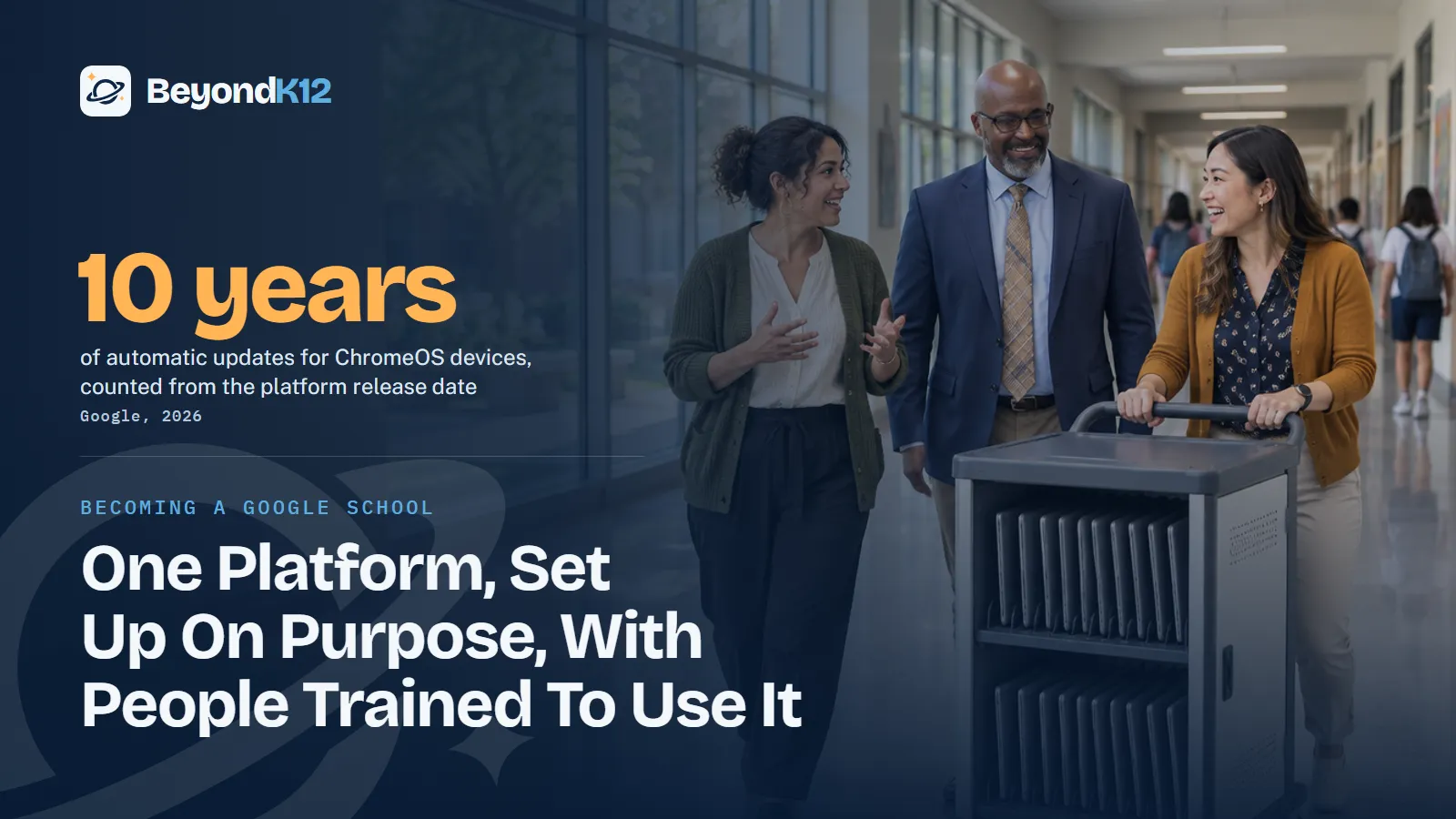
A Google school is a school that has decided to run on one system: Google Workspace for Education accounts, managed devices, written policies, and teachers trained to use them. You get there in six steps, and most of the work is deciding, not installing.
This topic began as a webinar in 2015. The promise of that title still matters, and the steps look different now. Google's tools have grown, Chromebooks last longer, and AI arrives switched on. Here is how I would walk a school through the decision today.
- Google school
- A common name, not an official status, for a school that has standardized on Google Workspace for Education, usually with Chromebooks, so that accounts, devices, policies, and training all work from one plan.
What counts as a Google school in 2026?
In practice, four things are true at a Google school. Every student and staff member has a school account. Devices are managed from a central console. Policies say who can use what. Teachers have had real training. If one of those is missing, you have Google tools in the building, but you do not have a plan.
Google's own recognition sits above that bar. The Google for Education Reference Program recognizes K-12 institutions as Reference or Premier Reference Institutions for system-wide adoption of tools such as Education Plus, Gemini, and Chromebooks. It is by invitation only. To be considered, a school needs that deep adoption and a commitment to professional development, shown through certifications such as Level 1, Level 2, and Champions. Certified staff alone do not qualify a school.
Treat the program as a source of examples, not a goal. Google lets you browse Reference Institutions, read their stories, and connect with them about a site visit. That is free research for a school that is still deciding.
$0
Education Fundamentals for qualifying institutions.
Google, 2026
500+
policies available through ChromeOS Education Upgrade.
Google, 2026
36 months
validity of Level 1 and Level 2 educator certifications.
Google, 2026
18%
of teachers have formal AI guidance from their administrators.
Gallup and Walton Family Foundation, 2026
What are the steps to become a Google school?
- Decide why, and write it down. Name the problem you are solving, who owns the project, and what success looks like in one year.
- Set up accounts. Get approved, verify your domain, and use one domain with organizational units. If you are moving from another system, follow our migration guide.
- Choose devices and licenses. Match devices to grade levels and check update dates before you buy.
- Write the policies. Cover age settings, AI, apps, and how you inform families.
- Train the staff. Start with daily tasks, then offer certification to those who want it.
- Review every semester. Look at what people use, what breaks, and what the plan should change.
Which devices and licenses does a Google school need?
Start with what you already own. Google Workspace for Education runs in a browser, so a Google school does not have to replace every device. Chromebooks are the usual pairing, because ChromeOS Education Upgrade lets you manage thousands of devices from the Admin console, block sites, pre-install apps, and disable a lost device.
Check the update date on every model you consider. Google says ChromeOS devices get 10 years of updates, measured from the platform release date. That is not your purchase date, so a model released a few years ago has less life left. After the final update, Google says policies may not work as intended and technical support ends.
Google list price per user per year
Most schools can start on Fundamentals. Education Plus adds advanced security and analytics, and more AI tools in Docs, Sheets, and Slides. Budget for the whole school if you go that way, because Google requires paid licenses to cover every active user.
Which policies should a Google school write first?
Three settings deserve a decision before students log in.
- Age settings. In K-12 domains, anyone not designated 18 and over gets a restricted experience. Designate your staff, and leave students restricted.
- Gemini. The Gemini app and Gemini Notebook are available to users of all ages. Google says the Gemini tab in Classroom is on by default for teachers and students of all ages, and stays off where a school had already turned it off for students. To turn it off for students under 18 only, place them in their own organizational unit.
- Additional services and apps. Decide which services students may use and how your school will tell families. Google provides a notice template for parent and guardian consent.
Policy is the step schools skip. Gallup found that only 18% of teachers had received formal guidance on AI from their administrators, while CoSN's 2026 survey found 79% of districts reporting AI guidelines, up from 57%. A rollout with a one-page policy is worth more than a rollout with a long one nobody reads.
A school becomes a Google school when its people agree on how they will work, not when the accounts go live.Ernie Delgado, BeyondK12
How should teachers be trained and certified?
Certification is a useful ladder, not a requirement. The exams cost nothing, so the real investment is teacher time.
| Credential | Good for | Exam details |
|---|---|---|
| Educator Level 1 | Every teacher who wants a foundation | Free; 2 to 3 hours depending on format; valid for 36 months |
| Educator Level 2 | Teachers ready for advanced integration | Free; 2 to 3 hours depending on format; valid for 36 months |
| Gemini certification for educators | K-12 staff using AI with students | Free; 2 hours to complete; valid for 3 years |
| Certified Trainer or Coach | Staff who will lead groups or coach peers | Earns Google for Education Champion recognition |
Name one or two people as your internal coaches, and give them time to do the work. Our professional development team can run the first sessions, but the goal is a school that can teach itself.
Where to start this week
Write one paragraph that says why your school is standardizing and who owns the work. Then open your Admin console and check who is designated 18 and over and whether Gemini in Classroom is on for students. Those two checks tell you how much of the plan is already in place.
If AI is the part you are least sure of, take the free AI Readiness Assessment. It takes eight questions and scores your school out of 24 across Policy, People, Curriculum, Guardrails, and Funding.
Related reading: Was there life before Google? Migrating your school to Google Workspace for Education and Free productivity tools for your school: Google vs. Microsoft in 2026.
Questions school leaders ask
What is a Google school?
It is shorthand, not an official title: a school that has standardized on Google Workspace for Education, usually with Chromebooks, shared policies, and trained staff. Google's formal recognition is the Reference Program, which is by invitation only.
How does a school become a Google Reference Institution?
Google says the program is by invitation only. To be considered, a K-12 institution needs deep, system-wide adoption of Google for Education technology and a commitment to professional development, shown through educator certifications such as Level 1, Level 2, and the Champions program.
Do we need Chromebooks to be a Google school?
No. Google Workspace for Education runs in a browser. Chromebooks are the usual pairing because the same Admin console can manage them when you add ChromeOS Education Upgrade, which Google says offers more than 500 policies.
How long will a Chromebook last in a school?
Google says Chromebooks released from 2021 onward get 10 years of automatic security and feature updates from the platform release date. After the final update, Google says policies may not work as intended and technical support will not be provided.
What does Google certification cost teachers?
Google says the Level 1 and Level 2 exams are free of charge for all available languages, and Gemini certification exams are free too. Level 1 and Level 2 are valid for 36 months, and Gemini certifications for 3 years.
Sources
- Google for Education, Reference Program (opens in a new tab) (checked 2026-11-05)
- Google for Education, Compare editions (opens in a new tab) (checked 2026-11-05)
- Google Workspace Admin Help, Google Workspace for Education pricing and licensing (October 2026) (opens in a new tab) (checked 2026-11-05)
- Google for Education, Chromebooks overview (opens in a new tab) (checked 2026-11-05)
- Google Chrome Enterprise and Education Help, Auto Update policy (opens in a new tab) (checked 2026-11-05)
- Google Workspace Admin Help, Control access to Google services by age (opens in a new tab) (checked 2026-11-05)
- Google Workspace Updates, Gemini in Google Classroom is expanding to users of all ages (August 2026) (opens in a new tab) (checked 2026-11-05)
- Google Workspace Admin Help, Quickstart guide to Gemini and Gemini Notebook for Education (opens in a new tab) (checked 2026-11-05)
- Google for Education, Educator certifications (opens in a new tab) (checked 2026-11-05)
- Google for Education Help, Google Certified Educator Level 1 and Level 2 certification FAQs (opens in a new tab) (checked 2026-11-05)
- Google for Education Help, Gemini certifications FAQs (opens in a new tab) (checked 2026-11-05)
- Gallup and Walton Family Foundation, teachers receive no formal guidance on AI (May 2026) (opens in a new tab) (checked 2026-11-05)
- CoSN, State of EdTech District Leadership 2026 (opens in a new tab) (checked 2026-11-05)

See where your school stands on AI, in five minutes
Eight questions. A score out of 24 across Policy, People, Curriculum, Guardrails, and Funding, with the three fixes that move it most. The report is yours whether or not you ever call us.